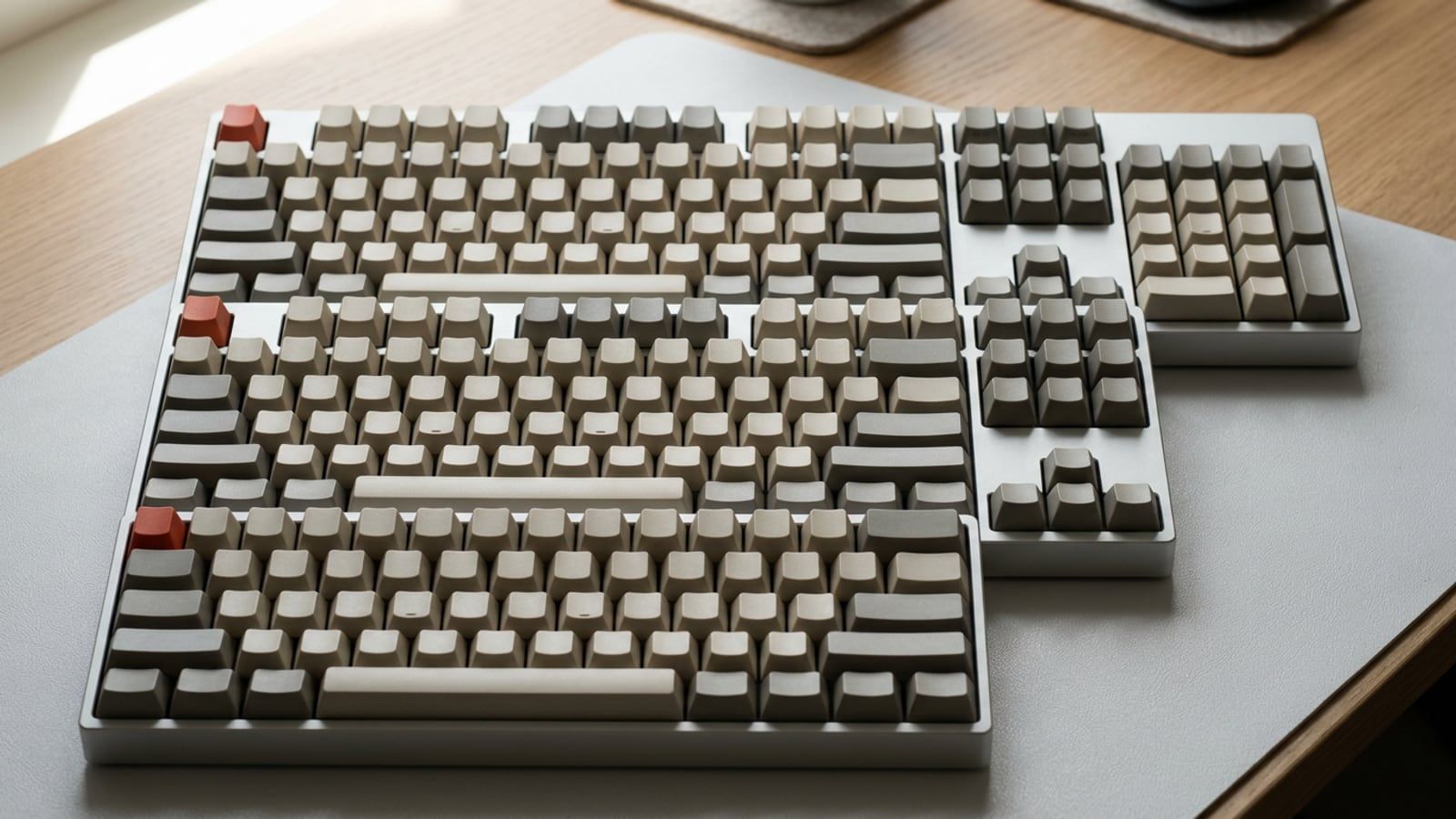
Full size, 96%, TKL, 75%, 65% and 60% compared by the keys each drops or moves behind Fn, what that costs in Excel and editing, and which size suits which job.
What linear, tactile and clicky switches feel like, which suit a shared office or calls, how to read the spec sheet, and how to choose one without guessing.
The keyboard is the tool you touch most at work, and the choices pile up fast: size, switch, keycap profile, wired or wireless, flat or split. This section sorts them for people who type all day, from a first mechanical board to a low-profile one for a Mac, a quiet one for a shared office or a kit you build yourself.
Two choices come before the rest. The size: keyboard sizes explained shows which keys each layout drops, from full size down to 60%, and what that costs in Excel and editing. Then the switch: linear, tactile or clicky sets out how each feels and which suits a shared office or a day of calls.
Inside Best keyboards for work · , Mechanical keyboards for beginners · , Switches: linear, tactile and clicky · , Keycaps and profiles · , Sizes and layouts · , Low-profile keyboards · , Split and ergonomic keyboards · , Wireless versus wired · , Keyboards for Mac · , Quiet keyboards for offices · , Keyboard reviews · , Custom builds and kits