Felix Okoro has built and modded keyboards for nine years, from his first hot-swap kit to the split board he types on now, and has worked from a home desk for most of that time. He judges a keyboard by a full working day on it rather than a sound test, and says when a cheaper one does the job.
He writes the Keyboards, Desk Setup and Typing sections: switches, sizes and layouts, the mice, monitors and chairs around the keyboard, and touch typing for people who learned with two fingers.
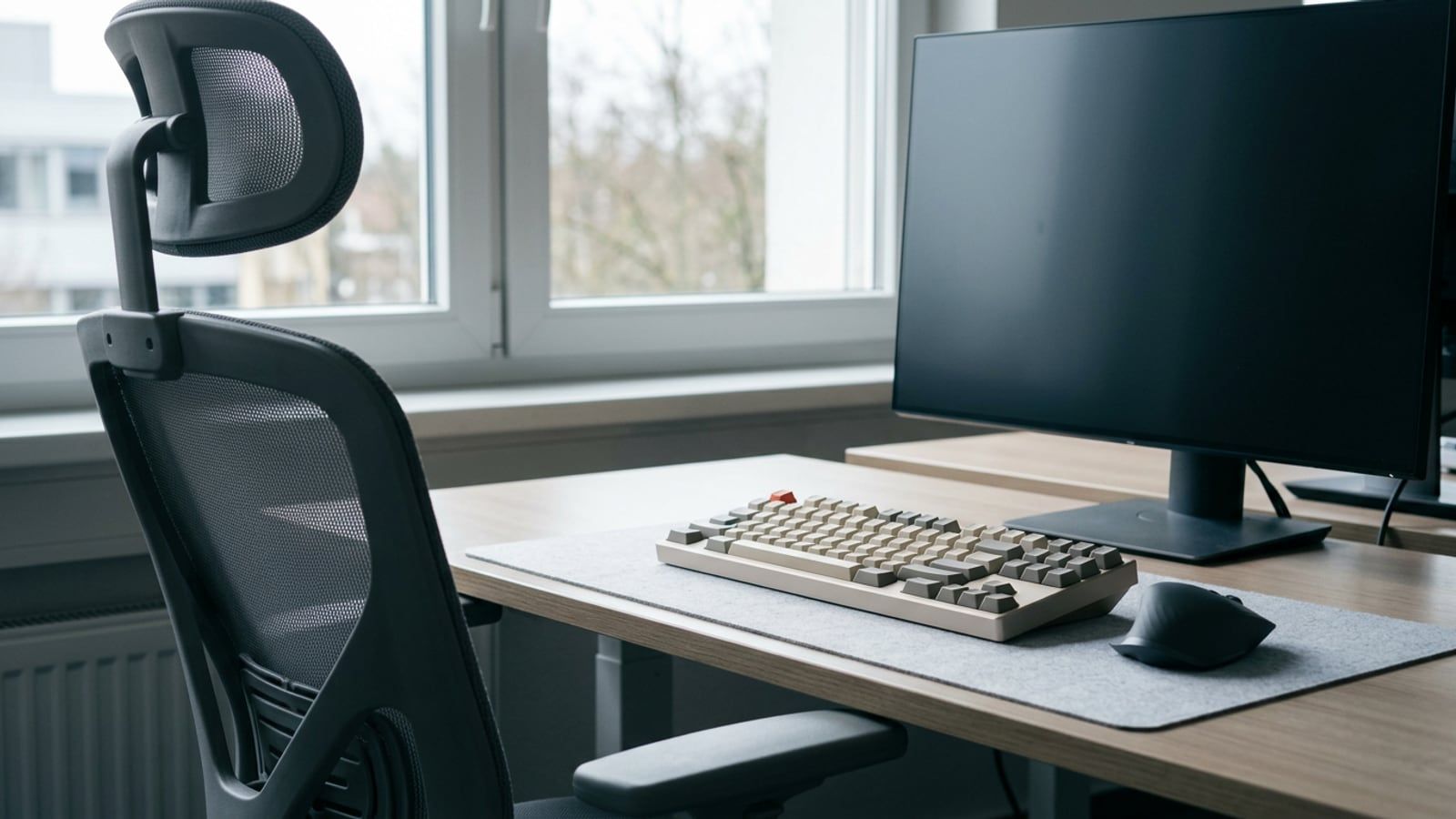
Set up a desk for long days in the order each step depends on: chair, keyboard, mouse, screen and light, with OSHA’s, Cornell’s and HSE’s figures named.
A touch typing routine you can keep beside a working day: the home row, which finger takes each key, fifteen minutes a day on free sites, and accuracy first.
Full size, 96%, TKL, 75%, 65% and 60% compared by the keys each drops or moves behind Fn, what that costs in Excel and editing, and which size suits which job.
What linear, tactile and clicky switches feel like, which suit a shared office or calls, how to read the spec sheet, and how to choose one without guessing.