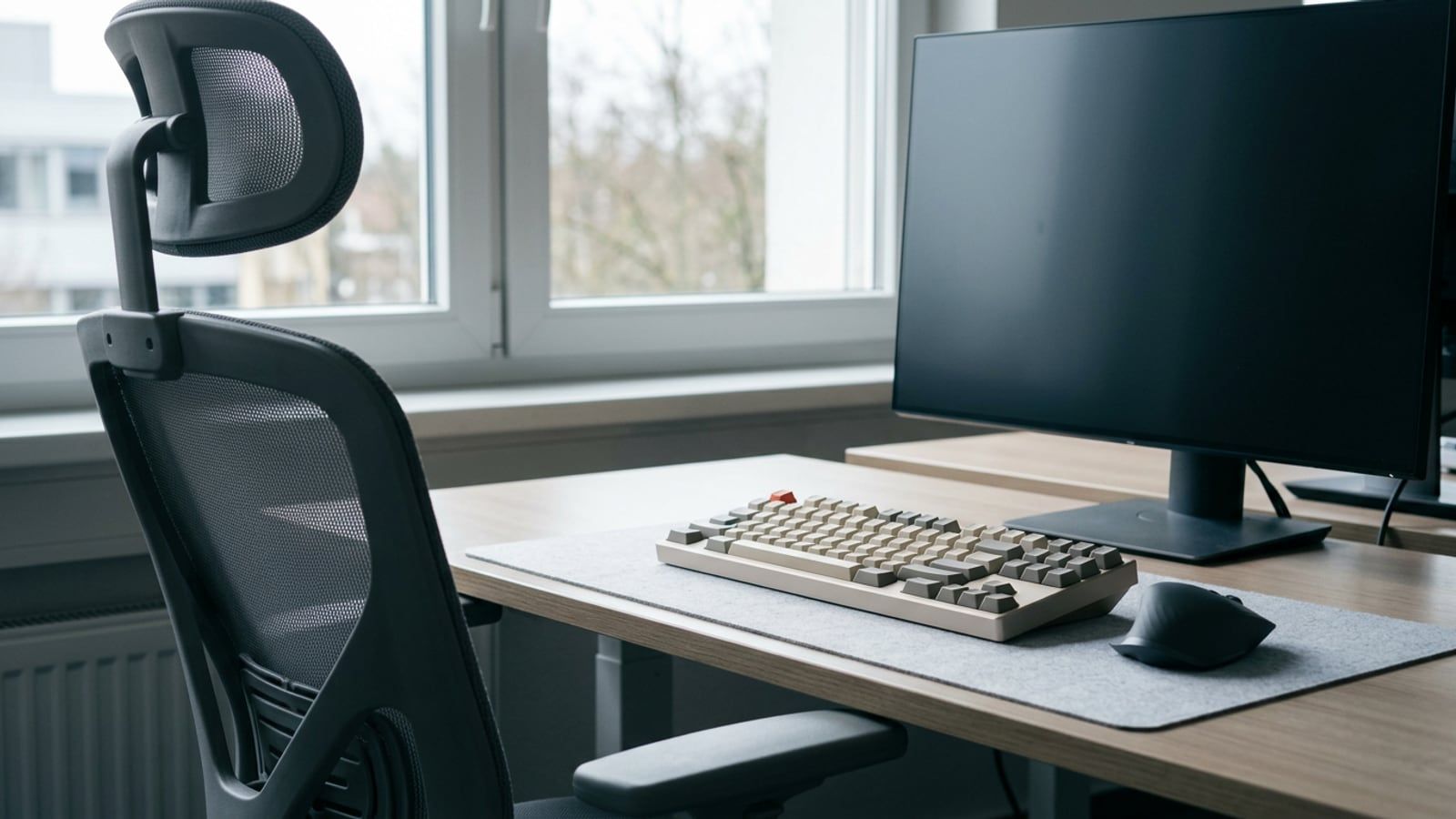
Set up a desk for long days in the order each step depends on: chair, keyboard, mouse, screen and light, with OSHA’s, Cornell’s and HSE’s figures named.
The keyboard is one part of the desk. This section covers the rest: what the other hand holds, what you look at, what you sit on or stand at, and the docks and cables that tie a laptop into it all. Ergonomics here stays at setup, the heights, distances and light, for home offices and shared ones alike.
Setting up a desk from scratch? The ergonomic desk setup checklist goes in the order each step depends on: chair, keyboard, mouse, screen, then light.
Inside Mice and trackballs · , Trackpads · , Monitors for work · , Monitor arms and stands · , Standing desks · , Office chairs · , Desk ergonomics · , Docks and hubs · , Webcams and headsets · , Cable management · , Desk lighting · , Small-space and laptop setups