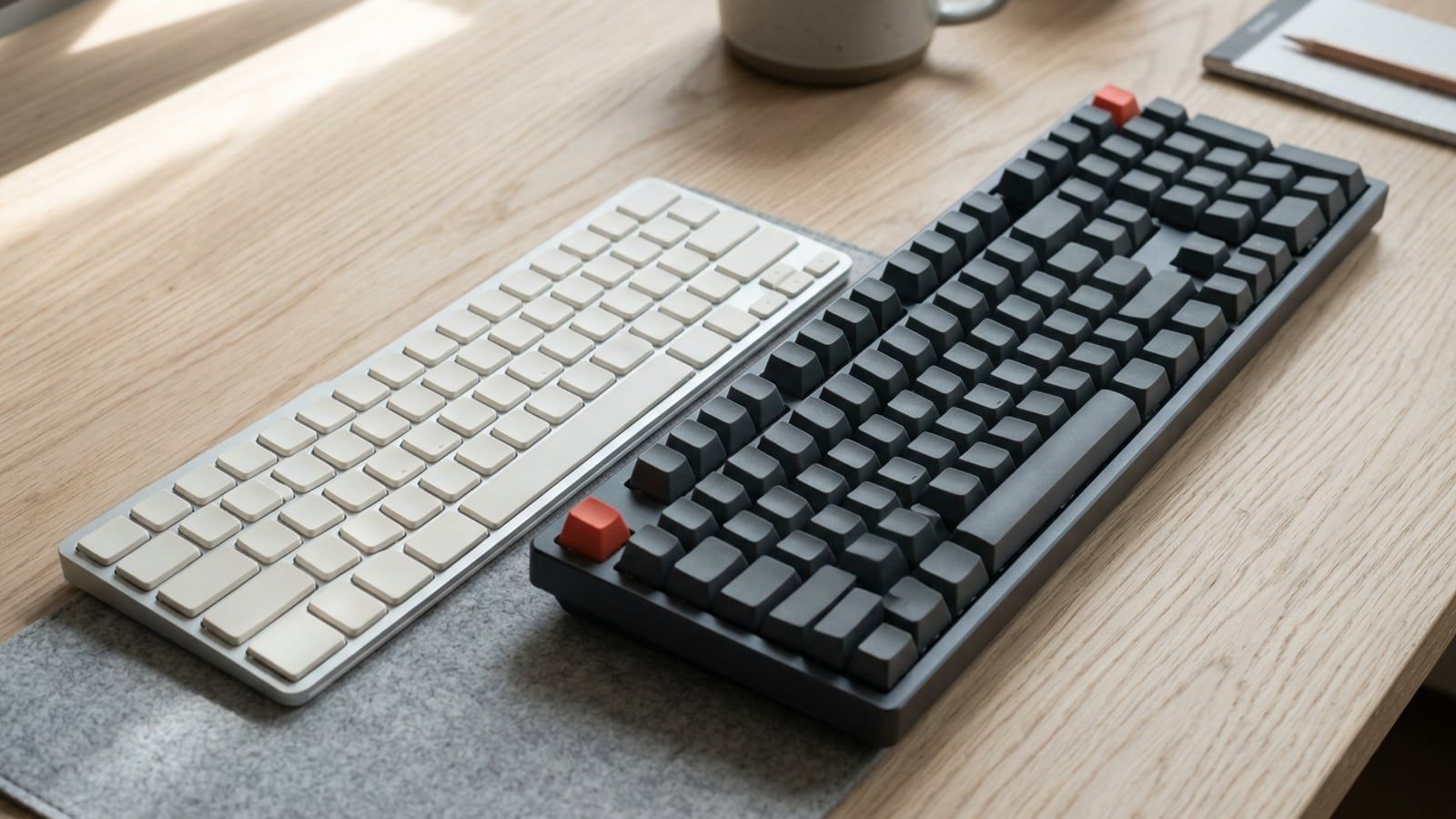
Which Mac keys do the jobs of Ctrl, Alt, the Windows key, Home, End, Delete and Ctrl+Alt+Delete, and how to swap the modifier keys so the Mac fits your hands.
Before any app comes the operating system, and both ship with keyboard control that is easy to miss: search that opens anything (Cmd+Space on a Mac, Win+S on Windows), window snapping, virtual desktops, screenshots and recording without extra software. This section covers both side by side, plus ChromeOS and the iPad with a keyboard, and what each release changes.
Moving from a PC to a Mac? The Mac keyboard shortcuts for Windows users map Ctrl, Alt, the Windows key, Home, End and Delete to their Mac keys, and show how to swap the modifiers so the Mac fits your hands.
Inside macOS shortcuts · , Windows shortcuts · , Window management and snapping · , Spotlight and Windows search · , Screenshots and screen recording · , Virtual desktops · , Trackpad and mouse gestures · , Switching from Windows to Mac and back · , Built-in apps worth using · , What each new release changes · , ChromeOS and iPad keyboards