Pound Sign on Keyboard: Type £ on Any Device
Pound sign keyboard shortcuts vary by layout, but find the right key, insert £ in Office, or use its web character code without breaking your flow.

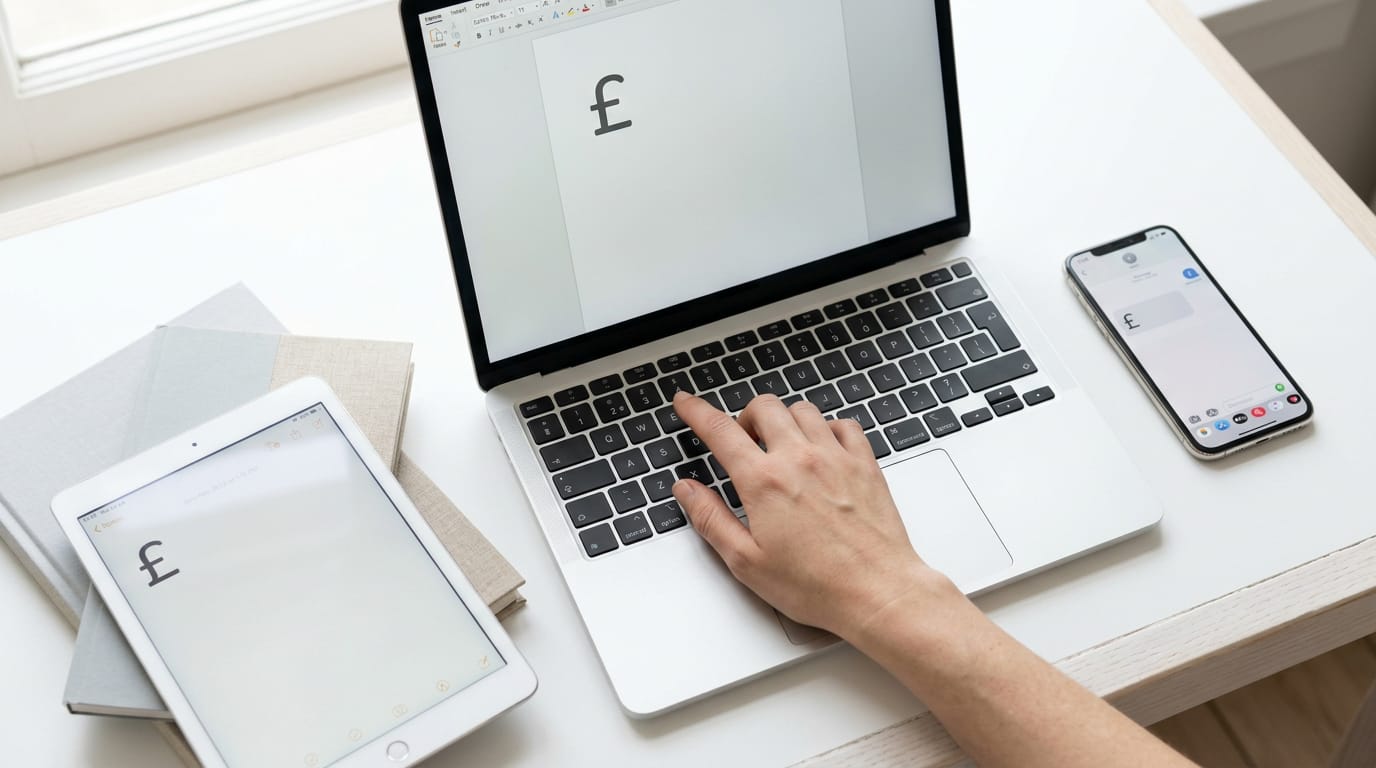
The short versionA pound sign keyboard shortcut is a key combination or code for typing £, the currency symbol used for British sterling and several other pounds. The right method depends on your keyboard layout, device, and app: UK keyboards use Shift + 3, US Macs use Option + 3, Windows PCs can use an Alt code, and phones offer £ on the symbols keyboard. Choose a shortcut or layout you can use easily, and check that you entered £ rather than # or a similar-looking symbol.
Picture typing an invoice for a London client, then stopping cold because the £ isn’t where your fingers expect it. Hunting for one symbol can break your rhythm fast.
The good news is that the pound sign (£) is usually one keystroke or one short code away. The exact method depends on your keyboard layout, your operating system, and the app you’re in, so we’ll cover each one.
We’ll also look at switching layouts, setting up your own shortcut, and choosing a keyboard that keeps the symbol within easy reach.
Pound Sign Keyboard Basics and Common Uses
Before you type a pound sign, it helps to know which currencies use one and which look-alikes can creep in. Here’s the short version.
Currencies that use the pound sign
Several currencies are called the pound, and several of them use the £ symbol:
- British pound sterling, the one most people mean when they type £
- Gibraltar, Egypt, Syria, and Sudan, each with its own pound
- The Egyptian pound, written E£ to set it apart from the others
Same name, different money: a pound in one country isn’t automatically a pound in another.
The US pound key is actually a hash
On a standard US keyboard, the key people call the pound key types #, not £. You’ll find it on the number row, above the 3 key. The name says pound, but the symbol is a hash.
Think of a freelance bookkeeper who works from a home office and invoices a client in London. She reaches for the key she’s always called the pound key and ends up with a # where the £ belongs.
A quick look at the symbol before sending keeps her client from getting a confusing invoice.
Symbols people often mix up with it
Some look-alikes cause as much trouble as the hash:
- Pound as weight unit. The pound is also a unit of weight, so a recipe or shipping label using the word isn’t about money.
- Double-stroke lira ₤. Its two horizontal lines make it look close to the pound sign.
Close enough to look right, different enough to be wrong. The ₤ is not the same as £.
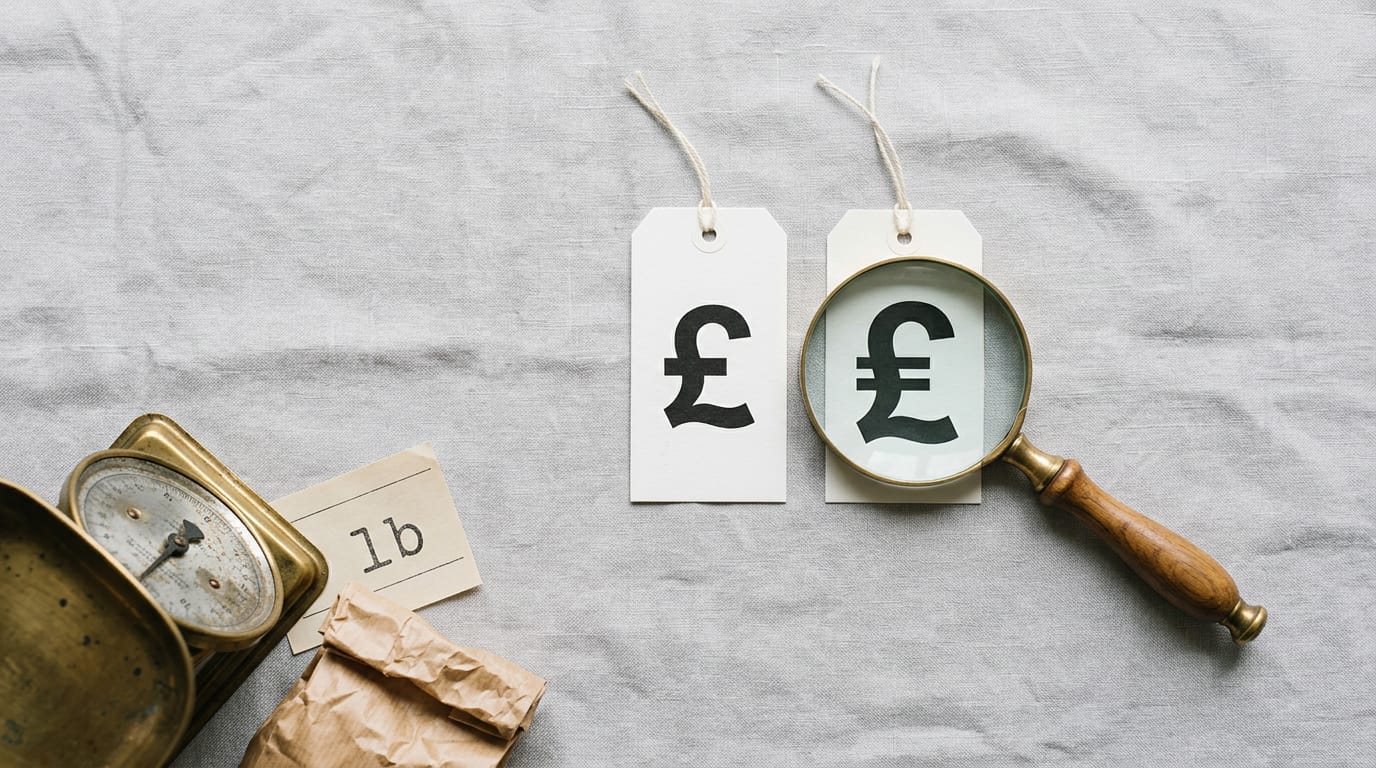
How the pound sign can look
The pound sign doesn’t look identical everywhere. Its shape depends on the font, so the £ in your email may differ from the one in a spreadsheet. You may also see a fullwidth pound sign, a wider version that can look oddly spaced next to regular text.
And the banknote pound emoji (💷) shows a pound note rather than the plain symbol.
Pick the version that fits the job.
How Do I Type the Pound Sign?
Your layout, operating system, and device decide the route, so we’ve grouped the methods by setup. Find yours below.
Finding the pound sign on UK keyboards
On a UK layout, the £ sits on the number 3 key, so Shift + 3 types it. Most other layouts have no dedicated pound key, so the symbol has to come from a shortcut or code.
To type symbols on a US keyboard, Shift reaches most of them, and codes cover extras like £. Shift + 3 gives you #, which US users call the pound sign. Shift + Alt + 3 or 4 is sometimes suggested for £, so test it in your app first.
- Buying UK vs US layout: if you type £ daily, a UK board is the simpler pick. A bookkeeper sending invoices all day keeps their hands in place with Shift + 3, while a US layout means hunting for a code every time. Hands stay on the keys.
- Add the UK layout: you need a layout change, not a new keyboard. Add it in your operating system’s settings, then switch from the menu bar on a Mac or the taskbar on Windows.
Using Alt codes on Windows PCs
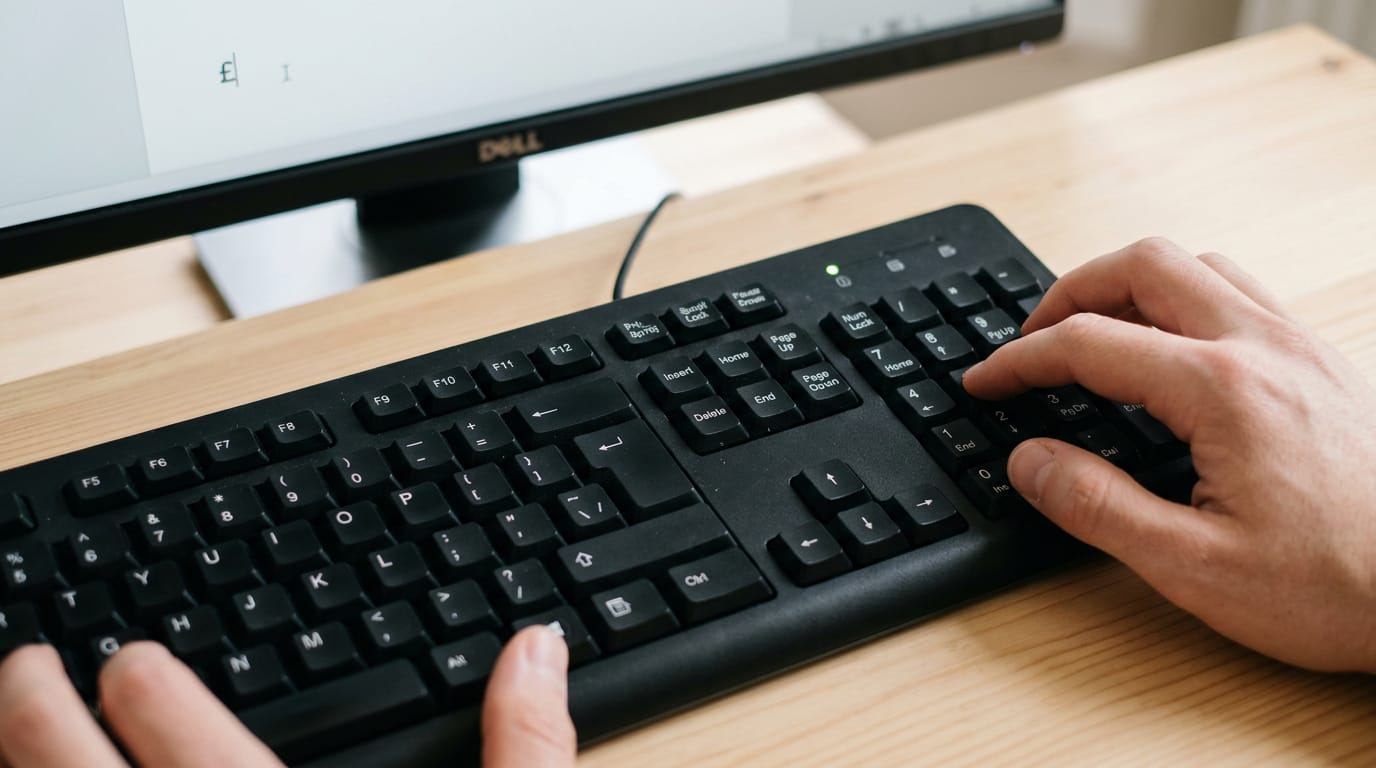
On Windows, an Alt code is a number you type while holding Alt. Hold Alt, type 163 on the numeric keypad (the block of number keys on the right), then release Alt.
- Alt + 0163: if 163 doesn’t respond, try the leading-zero version.
- Number row doesn’t work: the numbers across the top won’t produce Alt codes, so you need the keypad, not the top row.
- Laptops without a keypad: press Fn (function) with Num Lock (often Fn plus a key) to switch on the embedded keypad, then type the code.
Keys not working? Check that Num Lock is on first.
Pressing Option or Shift on a Mac
Your layout decides which combination you need:
- Option + 3 on a US layout: press Option and 3 together for £.
- Shift + 3 on a UK layout: the same as the UK keyboard above.
- Option + hex code: on any layout, add the Unicode Hex Input source, then hold Option and type A3, the pound sign’s hex code (a short code that identifies a character).
Typing it on phones and tablets
- Android, iOS, and iPadOS: open the symbols page of the on-screen keyboard.
- Long-press the $ key: hold it to reveal a row of pop-up currency symbols.
- Pick £: slide your finger to £ and lift.
Inserting £ in Office and System Tools
Need a £ without reaching for the mouse? The fastest route depends on the app. To insert the British pound symbol in Outlook, open a new message and use Insert > Symbol, which works much like Excel’s menu.
Word’s Alt + X trick using 00A3
Word has no built-in £ shortcut, so this workaround fills the gap. Type 00A3, the character code for the £, then press Alt + X right after it. It works in Word documents. Hands stay on the keys.
Picture a home office bookkeeper drafting an invoice: type ‘Total due: 00A3’, press Alt + X, and keep typing the amount. Word’s trick is about typing the code, while the menus below are about finding the symbol.
How do I insert £ in Excel?
The Great British pound (GBP) sign is the same £. In Excel, start with Insert > Symbol, where the £ sits just after the lowercase letters in the grid. Click it, then use the AutoCorrect button in that dialog to save a custom shortcut.
On a Mac, use the Advanced option under Insert > Symbol.
For a symbol you type every day, a text expander is quicker. Set a short trigger such as ‘pnd’, and it swaps in the £ for you. A home office analyst who sends GBP figures all day can set this up once and never open a menu again.

Finding it in Character Map and Viewer
When you’re outside Office, the system tools handle it:
- Windows: open Character Map, type ‘pound’ in its Search box, and copy the £.
- Mac: press Command + Control + Space to open the Character Viewer, then search ‘pound’.
- Mac apps: choose Edit > Emoji & Symbols to reach the same viewer.
- Font variations: if a font offers more than one style of £, pick the one that matches your text.
Character Codes for Web Pages
Sometimes the quickest route to the £ sign is a code rather than a key. Here’s how each one works.
Numbers and Unicode codes for £
Every character has a number in Unicode, the universal standard that gives each symbol one fixed code. The pound sign appears in three forms:
- Decimal: 163, the everyday counting system
- Hex: 00A3, base-16 counting that uses 0 to 9 and A to F
- Unicode: U+00A3, where the U+ prefix marks a Unicode number
Same sign, three labels. Which one you need depends on where you’re typing it.
Using HTML and CSS to show £
Web pages have their own codes. Here they are:
- Decimal entity:
£ - Hex entity:
£ - Named entity for pound:
£ - CSS value:
\00A3
An entity starts with an ampersand (&) and ends with a semicolon, and HTML (the markup language behind every web page) reads it as a symbol. CSS (the styling language) uses the backslash form in stylesheets.
A home-based shop owner building her own product page can type £25, and every visitor sees £25 whatever keyboard she wrote it on.
These don’t apply in Office, so use a keyboard method from elsewhere in this article for Word or Excel.
Other codes for fullwidth and emoji
These codes give you a wider sign or an emoji:
- Fullwidth (Windows): Alt + 65505 on the numeric keypad
- Fullwidth (Mac): Option + FFE1
- Emoji: Alt + 128183
The fullwidth sign is wider than the standard one, so it suits text already set in fullwidth characters, not everyday English prose. The emoji code gives you a picture instead, so keep it for chat messages rather than invoices.
Once you know where the £ lives on your keyboard, typing it stops being a detour. Whether you’re on a British layout, a US layout, a Mac, or a Windows PC, the right method is the one that fits your setup.
Set up the shortcut or layout switch you’ll actually use, and the symbol will be ready when your next invoice needs it.
Your hands belong on the keys, not hunting for the pound sign.
Questions
What is the currency sign for the pound?
The pound sign is £. It is commonly used for the British pound sterling and several other currencies called the pound.
How to input a pound sign from a keyboard?
The shortcut depends on your keyboard and operating system. On a UK keyboard, press Shift + 3; on a US Mac, press Option + 3; on Windows, hold Alt and type 163 on the numeric keypad, then release Alt.
How do I insert the British pound symbol in Outlook?
In Outlook, open a new message and choose Insert > Symbol. Select £ from the symbol grid and insert it into your message.
How to type symbols in US keyboard?
On a US keyboard, Shift accesses many symbols, but Shift + 3 types #, not £. To type £, use Option + 3 on a Mac or hold Alt and type 163 on a Windows numeric keypad.
How to get the symbol on UK keyboard?
On a UK keyboard, press Shift + 3 to type £. The same shortcut works whether the keyboard is a physical UK keyboard or your computer is using the UK layout.
How do I insert the GBP sign in Excel?
In Excel, choose Insert > Symbol, select £ from the grid, and click Insert. On a Mac, use the Advanced option under Insert > Symbol.
spaceShortcut Sheets: the twenty keys to learn first in each appFind your app