Qwerty Keyboard Explained: Origin, Layout, and Use
QWERTY keyboard layouts vary by language; explore their origins, how the layout works, and choose a mechanical model for shortcut-heavy work.

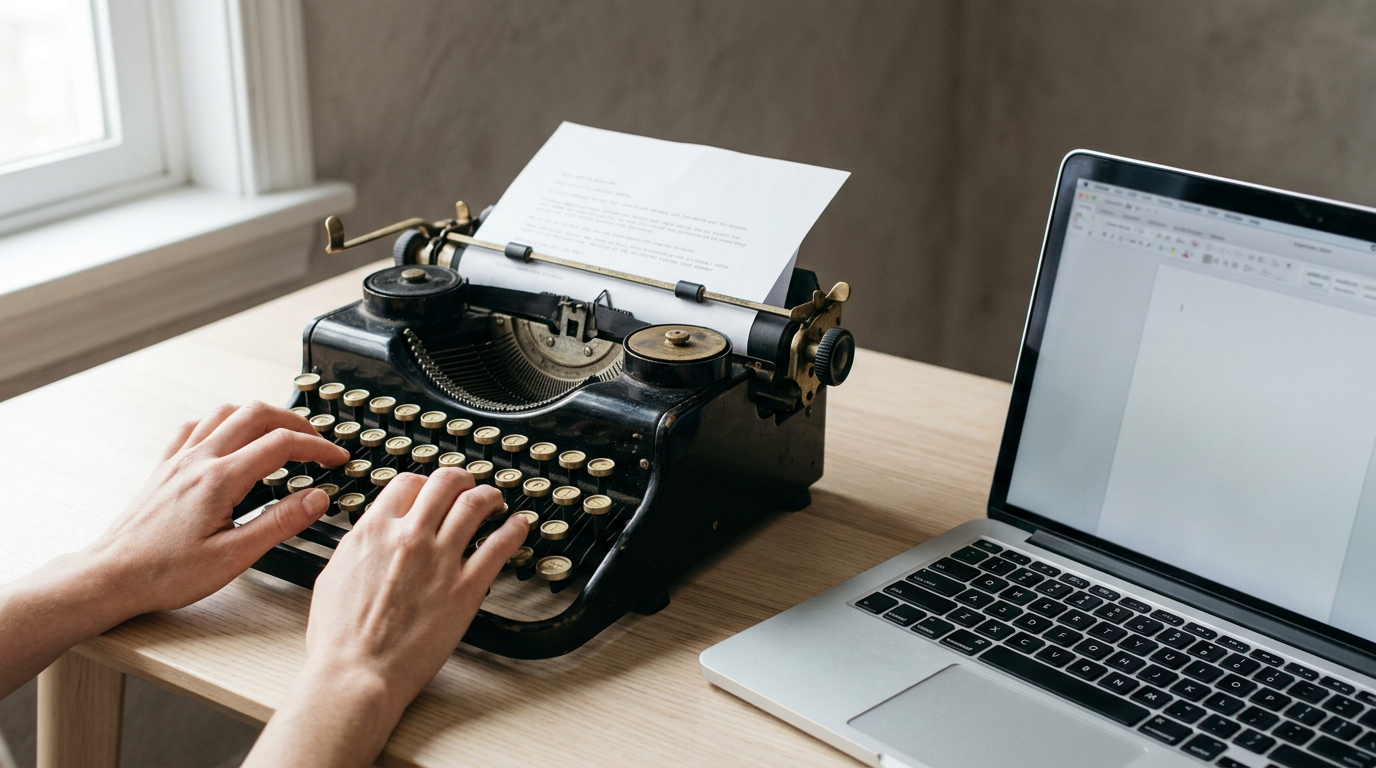
The short versionA QWERTY keyboard uses the letter layout named for Q, W, E, R, T, and Y, the first six keys on its top row. Its familiar arrangement persists largely because people learn it and rely on its established shortcuts, while language-specific layouts move letters or add characters. Choose keyboard size, regional layout, and key feel based on the keys and shortcuts you use; changing the keyboard hardware does not necessarily change its typing layout.
Most of us type on QWERTY every day without a second thought. It’s like a familiar neighborhood: you never studied the map, yet your fingers know every turn.
Choosing a keyboard works the same way, and understanding the layout helps you pick one that fits.
QWERTY is the name for the letter arrangement on the keys you’re likely typing on right now, taken from its first six letters on the top row.
In this post, we’ll cover its origin, how it works, how it changes across languages, and how to choose a keyboard for shortcut-heavy work.
The Qwerty Keyboard and Its Name
Your keyboard’s name comes straight from its top row, which is a clue to how it’s built. Here’s where the name comes from and how the keys are arranged.
Named for its first six letters
QWERTY is a letter layout used on typewriters and keyboards alike. Its name is simply the first six letters on the top row: Q, W, E, R, T, and Y. It’s not an acronym, so there’s no hidden phrase to decode.
That makes it a layout, not hardware. Any keyboard can use the pattern, whatever its brand or build.
How the US letter rows are arranged
The standard United States layout has three main letter rows:
- Top row: Q through P, the row that starts with QWERTY.
- Home row: A through L, where your fingers rest.
- Bottom row: Z through M.
The F and J keys carry small raised marks, so your index fingers find home row by feel rather than by sight. The number row sits above the letters, and modifier keys like Shift, Ctrl, and Alt flank them, changing what the other keys do.
Consider a remote support agent who types replies all day. Their index fingers find F and J without a glance down, so their eyes stay on the ticket.
How early typewriters set up their rows
The Remington 1 used four rows of keys, with numbers along the top row and the alphabet starting with QWERTY. That means the pattern you type on today was already in place on early machines.
Same first six letters, different machine.
How the Qwerty Layout Came About
The QWERTY layout has a longer story than most people realize. Here’s how it took shape, from the patent to the habits that kept it going.
Who designed it and held the patent
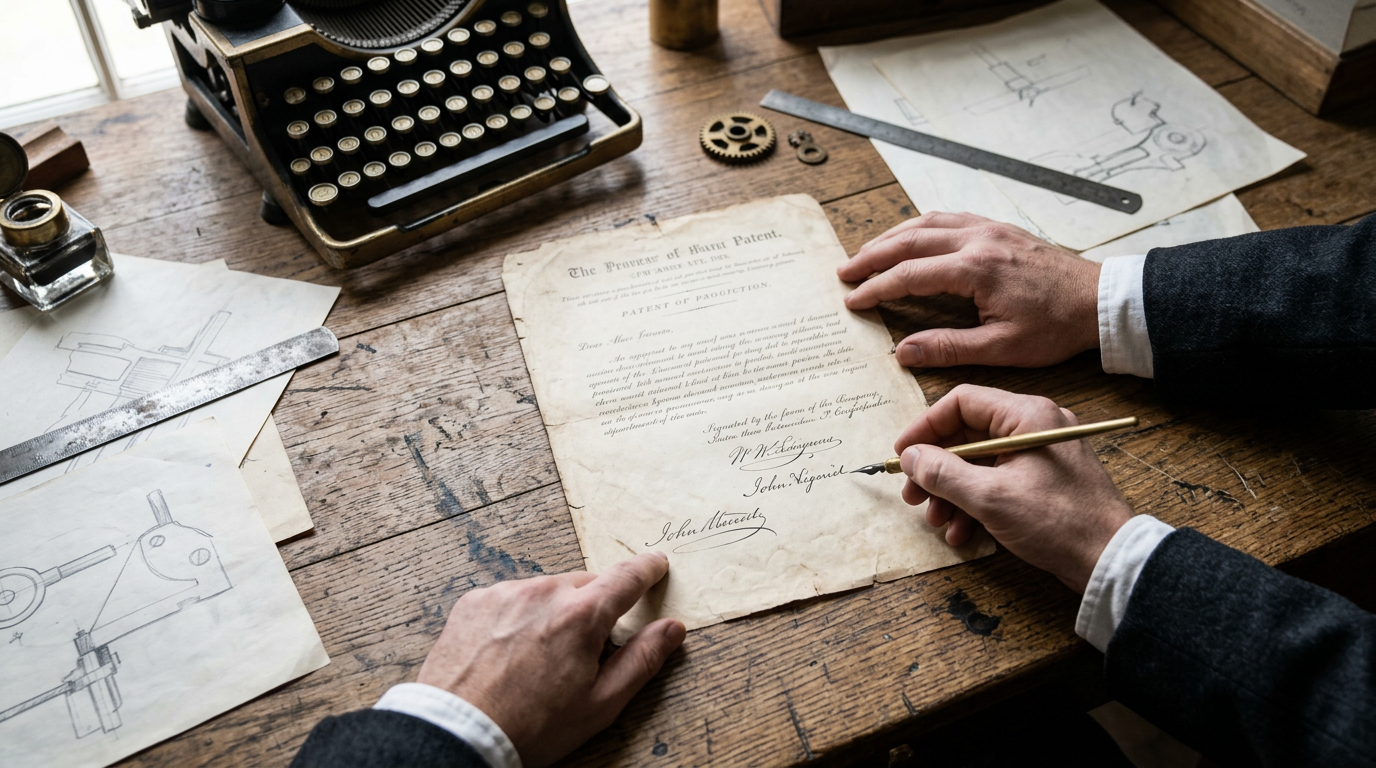
On June 23, 1868, Christopher Sholes, Carlos Glidden, and J.W. Soule were issued U.S. Patent No. 79,265 for a “type-writing machine.” That day is now celebrated as International Typewriter Day.
Sholes and Densmore are the names usually linked to the design, and the invention was eventually sold to E. Remington & Sons.
The first typewriters people could buy
The early Sholes & Glidden Type-Writer had no shift key, so it printed only capital letters.
According to On the Prehistory of QWERTY, Densmore and his partner, George Washington Newton Yost, visited E. Remington & Sons in Ilion, New York, in February 1873. The company then produced the Remington Model 1, an early commercial typewriter.
The Remington 2 later added lowercase letters.
Why the letters were arranged this way
The original arrangement was alphabetical. The trouble was the typebars, the metal arms that strike the paper. When neighboring keys were pressed in quick succession, their typebars could jam together.
The fix was to separate common letter pairs, so frequently used letters didn’t sit side by side.
A popular story says the layout was meant to slow typists down, but that claim is disputed.
Hidden in Plain Sight, a paper on QWERTY, notes that many authors have mistakenly suggested exactly that, and that its inventors weren’t interested in typing speed.
Why people kept using qwerty
Consider a home office worker who has typed on QWERTY for years.
She tries a layout with the letters rearranged, but her fingers keep drifting back to the old positions, and a simple client email takes far longer than it should. She switches back by lunch.
Typing instruction spread the same letter positions to each new generation of typists, and familiarity kept them in place. Modern keyboards have no typebars, so the jamming problem that shaped the layout doesn’t apply anymore.
What kept QWERTY alive was familiarity rather than purpose. Habits outlast machines.
How Qwerty Keyboards Work and Differ
Before you change anything, know what happens after you press a key.
How to change my keyboard to qwerty?
To change your keyboard to QWERTY, start with your computer. Each keypress passes through four steps:
- Keypress reported to computer. The keyboard sends a signal for the physical key, not its printed letter.
- OS input layout decides output. Your operating system (OS) turns that signal into a character using its input layout. Switch the layout in OS settings, and the same key types something else.
- Keycap legends don’t remap. The printed letters stay put, so a keycap can disagree with the screen.
- Firmware remapping varies. Some boards remap keys in firmware, the built-in program running the keyboard, before your computer gets the signal. Support differs by model.
A home office writer’s new board arrives in the wrong layout. One settings change fixes every app. Nothing on the board changes.
Choosing between full and compact sizes
Size decides which keys stay on the board:
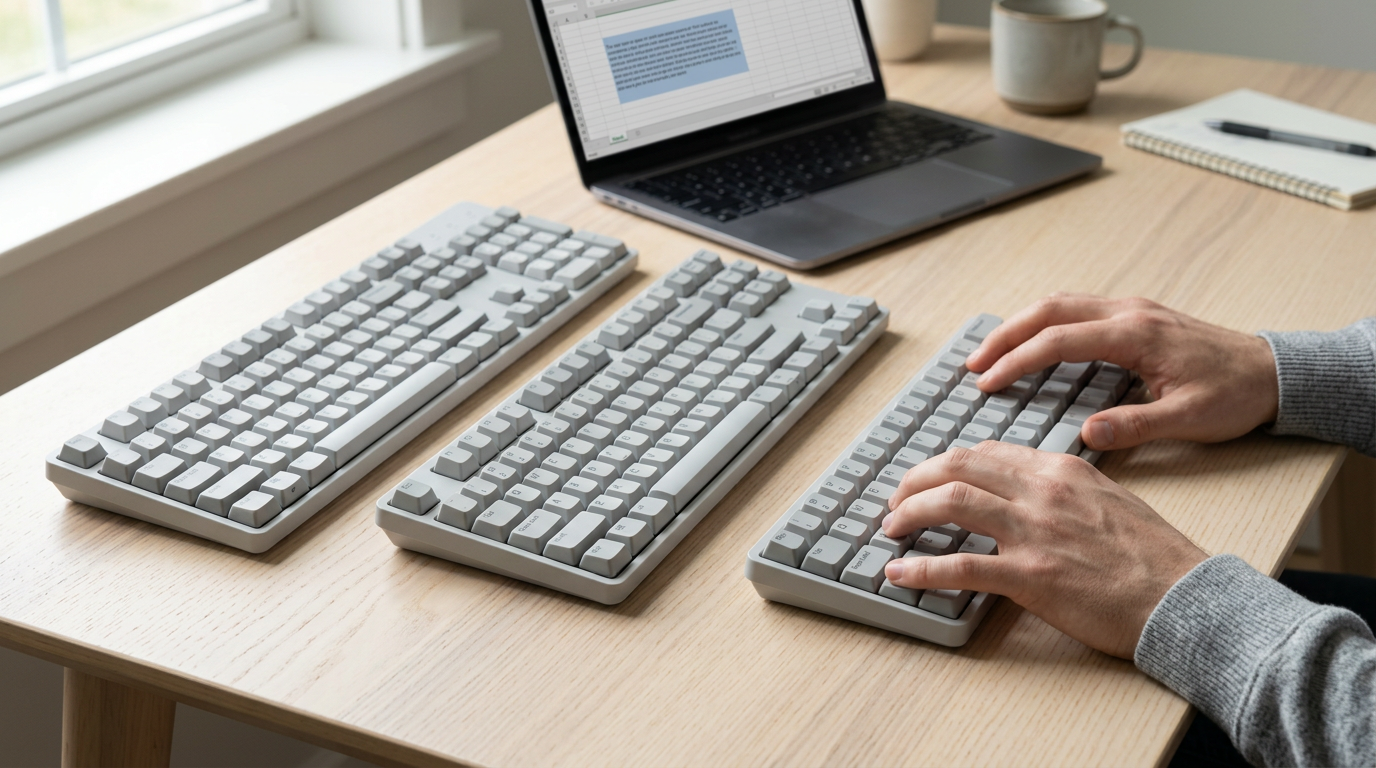
- Full-size boards keep a number pad on the right.
- Tenkeyless (TKL) boards drop the number pad but keep the arrows and function row.
- 75% and 60% boards shrink further, so on compact boards some keys, often the arrows, sit in layers: second sets of functions reached by holding the function (Fn) key.
Choose by the keys you need. Numbers all day? Go full-size. Arrows and Shift combinations? A TKL keeps them on the board.
The question isn’t how many keys, but which you can reach without moving your hands. Take a home office analyst who selects text with Shift and arrows all day. On a TKL, that’s two keys. On a 60% board, it’s three: Shift, Fn, and an arrow.
Small reaches add up. Test your shortcuts before you buy.
How Qwerty Changes Across Languages
Change the language and the letters move. That’s why a layout that feels automatic at home can feel strange abroad.
The AZERTY and QWERTZ groups
AZERTY is the French and Belgian layout. It starts the top row with A and Z, so undo (Ctrl+Z) and select all (Ctrl+A) land on different keys.
QWERTZ covers German and Czech keyboards, where Y and Z trade places. Hungarian keyboards use QWERTZ as a base, and Romanian keyboards start from QWERTY, each with extra accented letters.
AZERTY vs QWERTY compared: the two use the same letters but differ in where those letters sit. Which is better, AZERTY or QWERTY? Neither wins outright. If your work is mostly French, AZERTY fits.
If it’s mostly English and shortcut-heavy, QWERTY keeps Ctrl+Z and Ctrl+A where your hands expect them.
Extra accented letters for other languages
- Nordic layouts: Danish and Norwegian keyboards place Æ, Ø, and Å along the right edge of the letter keys.
- Spanish and Portuguese: Spanish gives Ñ its own key beside L, and Portuguese keyboards add Ç.
- Turkish and Icelandic: Turkish keyboards add letters such as Ğ and Ş, while Icelandic adds Þ and Ð.
- Italian QZERTY: Italian typewriters used a QZERTY arrangement, with Z beside Q in the top row.
How physical layouts differ by region
- US ANSI vs UK/ISO: ANSI (American National Standards Institute) is the standard American layout. UK keyboards usually follow ISO (International Organization for Standardization), which adds a key beside the left Shift.
- Different Enter keys: ANSI’s Enter is a wide, flat key. ISO’s is taller and shaped like an upside-down L.
- Punctuation and modifiers: UK keyboards swap the @ and quotation mark keys and put the pound sign above the 3. Mac keyboards label Option and Command where Windows shows Alt and the Windows key.
Typing accented letters on qwerty
- Alt number codes: Hold Alt, type a numeric code on the number keypad, and release. Codes differ by character, so this suits a few accents you use often.
- Word’s Special Characters menu: In Word, choose Insert, Symbol, More Symbols, then Special Characters.
- Windows Character Map: Find it in the Start menu search, then copy the character you need.
For example, a home office support agent answering Spanish emails learns the Alt code for ñ. She types it all day without leaving the keyboard. Hands stay on the keys.
What Are the Different Keyboard Layouts?
So what are the different types of keyboard layouts? Beyond QWERTY, the alternatives include Colemak, Workman, Dvorak, and the ETAOINSHRDLU frequency layout.
We’ll take a closer look at the last two, since they show how long people have tried to beat the standard.
The Dvorak layout, built for efficiency
According to Typewriter Keyboards via Simulated Annealing, the Dvorak Simplified Keyboard was introduced by August Dvorak in 1932, one of many alternatives to QWERTY proposed over the years.
The layout was meant to be more efficient than QWERTY, not just different. An MIT overview of the Dvorak keyboard notes it was designed with the goal of maximizing typing efficiency. Despite that goal, it remained rare.
You don’t need new hardware to try it, since it’s a software setting. Consider a home office writer who switches to Dvorak for an afternoon, types a few drafts, and flips back if their fingers protest.
That low-stakes trial tells them more than any chart could.

The ETAOINSHRDLU Linotype frequency layout
This one came from typesetting, not typing. Worldwide Words explains that old Linotype keyboards put letters in decreasing order of how often they appear in the language, so the two “home” columns read ETAOIN SHRDLU.
PIASD notes that Mergenthaler’s Linotype machine used a keyboard arranged this way, and that Smith Premier even built a typewriter with an ETAOINSHRDLU keyboard, hoping it would catch on with Linotype operators.
Few people type on it today. It’s a footnote now, not a contender.
Picking a Qwerty Mechanical Keyboard
A mechanical keyboard keeps the QWERTY layout but changes what’s under each key.
How switch types feel and sound
Each key sits on a switch, and three main feels matter:
- Linear switches press smoothly with no bump.
- Tactile switches have a bump partway down.
- Clicky switches add an audible click.
Feel and noise vary within each family, so try before you commit. Specs often list color codes like Red, Brown, or Blue, one for each feel. A support agent taking calls from a spare bedroom needs quiet keys, so a linear board fits. Feel is personal.
Keycaps, fit, and buying a kit
The profile (a keycap’s shape and height) and material change feel, since some plastics go shiny with wear. Keycaps must match the switch stem, and long keys like Space need a stabilizer to stay level.
- Kit coverage. Confirm a kit (parts you assemble yourself) includes the case, circuit board, switches, keycaps, and stabilizers.
- ANSI and ISO. ANSI (American National Standards Institute) has a wide Enter key, while ISO (International Organization for Standardization) has an L-shaped one.
- Keycap legends (printed labels). Mac boards print Command and Option, while Windows boards print the Windows key and Alt.
A complete keyboard ships ready to type on, while a kit rewards tinkering. Hot-swap sockets let you change switches without soldering.
Deciding whether to stay with qwerty
- Familiarity and shared computers. An analyst on a borrowed laptop keeps her Ctrl+V where her hand expects it.
- Hardware and layout are separate. Swapping the hardware doesn’t mean swapping the layout.
- Learning and shortcut trade-offs. A new layout means slower typing while you relearn.
- Shortcuts assume QWERTY key positions. Z, X, C, and V share the bottom row, so one hand reaches all four shortcuts.
QWERTY has earned its place as the layout most of us already know by heart, and that familiarity is a real advantage when you’re choosing your next keyboard.
Keep the history in mind, but weigh how a board feels under your hands and how well it supports the shortcuts you use every day.
Start with your desk, your typing habits, and the key combinations you lean on most. The right keyboard is the one your hands stop noticing.
References
- Hidden in plain sight: QWERTY, the search for optimality and IP complementarity — doi.org (2025)
- Typewriter Keyboards via Simulated Annealing — scholarworks.rit.edu (1993)
- The Dvorak Keyboard — mit.edu
- On the Prehistory of QWERTY — doi.org (2011)
- QWERTY: Why Your Keyboard Looks Like It Does — piasd.org
- Etaoin shrdlu: Linotype keyboard letter frequency — worldwidewords.org
Questions
What are the different types of keyboard layouts?
Common keyboard layouts include QWERTY, AZERTY, and QWERTZ, which arrange letters differently for different languages and regions. Other alternatives include Dvorak, Colemak, and Workman; some layouts are designed for particular languages or typing systems.
How to change keyboard to QWERTY?
Change your computer’s input layout to QWERTY in your operating system’s keyboard or language settings. The exact steps vary by device, and changing the software layout does not change the letters printed on the keycaps.
When was the QWERTY keyboard created?
QWERTY was patented on June 23, 1868, by Christopher Sholes, Carlos Glidden, and J.W. Soule. It was used on early commercial typewriters in the 1870s.
Which is better, AZERTY or QWERTY?
Neither is universally better. AZERTY is a practical choice for typing mostly in French, while QWERTY may suit English typing and familiar shortcuts such as Ctrl+Z and Ctrl+A.
Sources
- QWERTY: Why Your Keyboard Looks Like It Does - PIASD, piasd.org
- On the Prehistory of QWERTY, doi.org,
- Hidden in plain sight: QWERTY, the search for optimality and IP complementarity, doi.org,
- Typewriter Keyboards via Simulated Annealing, scholarworks.rit.edu,
- The Dvorak Keyboard, mit.edu
- Etaoin shrdlu: Linotype keyboard letter frequency, worldwidewords.org
spaceShortcut Sheets: the twenty keys to learn first in each appFind your app