Euro Key on Your Keyboard: Type € on Any Device
Euro key keyboard shortcuts for Mac, Windows, and Linux, plus when EurKEY helps European typists and how to switch layouts to type € faster.

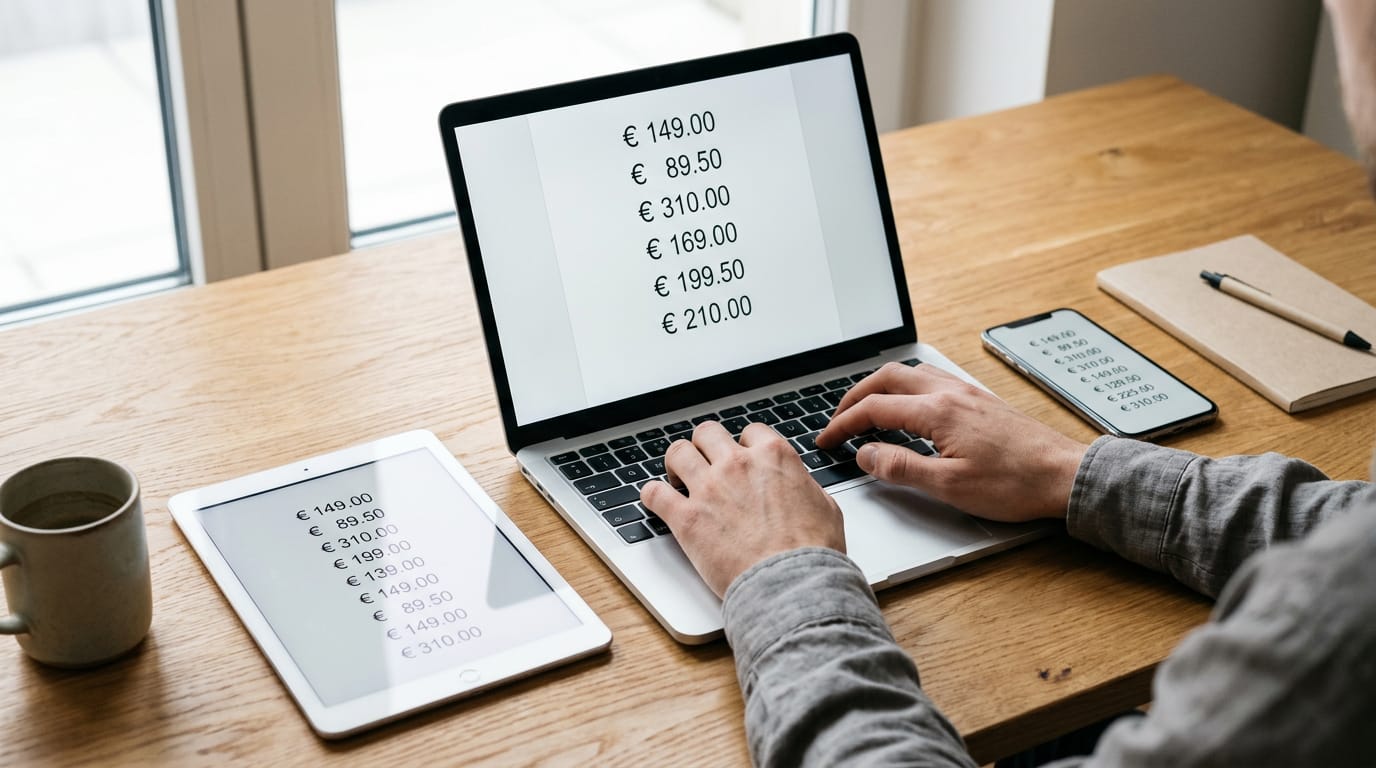
The short versionA euro key keyboard is a keyboard layout or shortcut that lets you type the euro symbol (€) without searching through menus. The key combination depends on your operating system and active layout, with options such as Alt Gr + E, Alt Gr + 4, or a numeric code; EurKEY adds European letters and symbols while keeping familiar key positions. Check your active layout, then learn its shortcut or install EurKEY if you regularly type in several European languages.
Picture writing an invoice and needing a euro sign in the middle of a sentence. Your hands are already on the keys, but the symbol seems to hide somewhere you’d never think to look.
Typing it is a small skill, and the method depends on your operating system and your keyboard layout.
In this post, we’ll cover every way to type the euro symbol on Mac, Windows, and Linux, when a dedicated EurKEY layout is worth installing, and how to pick, install, and switch layouts for your home office.
Euro Key Keyboard Shortcuts for Each Layout
The euro shortcut depends on your keyboard layout, so start by checking which one you’re typing on. Once you know, you’ll have one combo to remember instead of hunting for the symbol every time.
Typing the euro on a French Mac
On a French Mac keyboard, hold the Option (Alt) key and press the $ key. Think of a support agent who quotes prices in euros all day. One key combo beats hunting for the symbol on every ticket, and their hands never leave the keyboard.

Euro shortcuts on AZERTY Windows and Linux
AZERTY layouts give you two routes, and they aren’t equally quick. The fast route is Alt Gr + E: hold Alt Gr and press E. The slow route is the numeric code: hold Alt and type 0128 on the numeric keypad, which means four digits typed in order.
Learn the first one and the code can wait.
Typing the euro on US QWERTY keyboards
US QWERTY keyboards don’t have a euro key, but you can still type one. If yours has an Alt Gr key, hold it and press 4.
- Alt Gr + 4: the main route when your keyboard has an Alt Gr key.
- Ctrl + Alt + 4: the fallback when there’s no Alt Gr key.
Think of a writer who drafts price lists on a laptop with no Alt Gr key. Ctrl + Alt + 4 lets them drop the symbol into a sentence without a trip to the mouse.
Euro shortcut for Swiss and German keyboards
Swiss and German keyboards use Alt Gr + E, the same combo as AZERTY, so the shortcut you learned there carries over. Keycaps show what’s printed on each key, but the layout in your operating system decides what it types.
If a printed label doesn’t match the screen, check the layout in your system settings before you memorize anything.
What is the euro currency symbol?
The currency symbol for the euro is €, and you can copy it straight from here whenever you need it. Consider a home office bookkeeper who sends invoices in euros.
A text expander (a tool that swaps a short trigger for longer text) can turn a trigger like eur into € every time they type it, with no lookup. One trigger, one symbol, every invoice.

Why EurKEY Works for European Typists
EurKEY is a keyboard layout built for people who write in several European languages. You can install it on Mac, Windows, or Linux, and switching between layouts quickly is what keeps it practical day to day.
Why it’s built on the American layout
EurKEY starts from the American layout, so the keys you already know stay where they are. It adds European letters and symbols rather than replacing the keys you use every day.
That matters for code: brackets and slashes stay in familiar places, and shell characters are easier to reach when you’re working in a terminal.
Consider a freelance translator at a home office desk who answers client emails in French, German, and Spanish, switching between them all afternoon without touching a layout menu. Her hands stay on the keys.
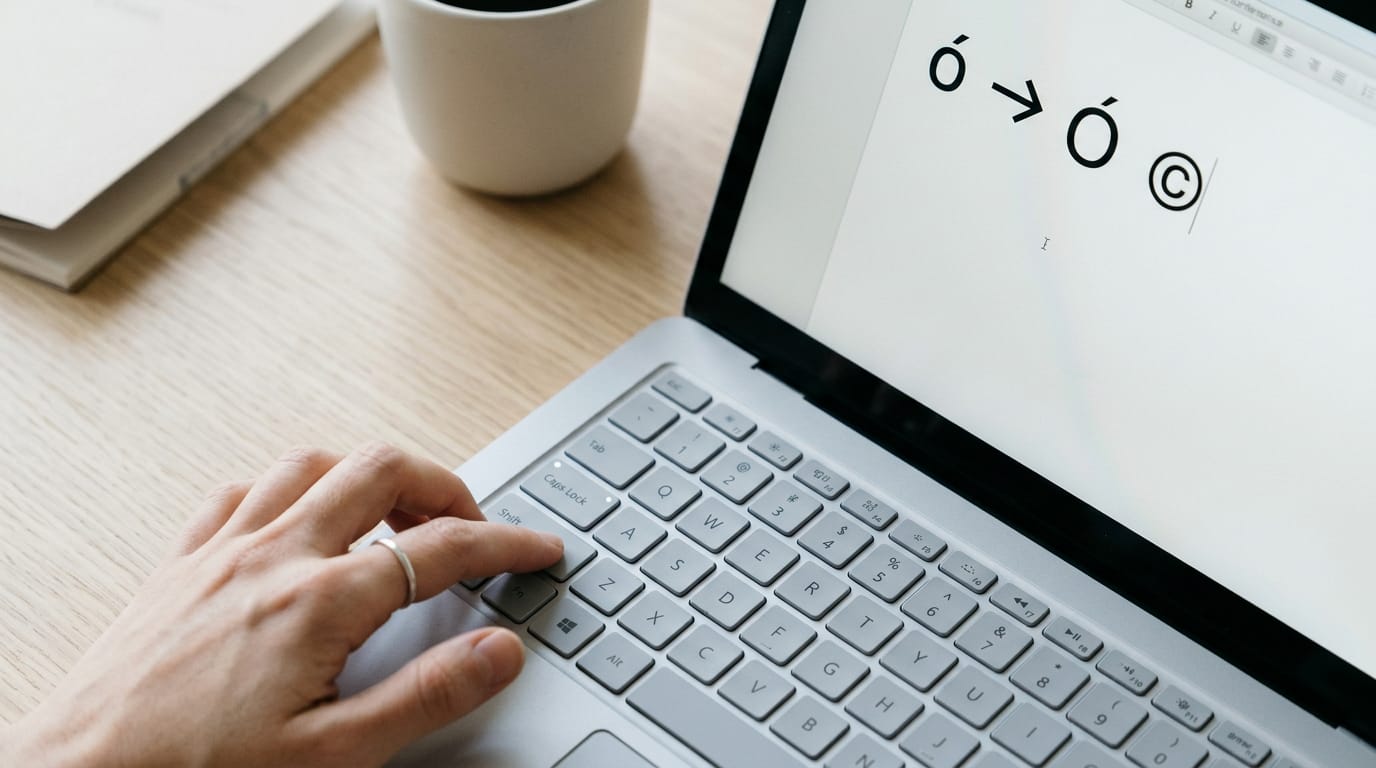
How do I type ó with Alt Gr?
To type ó, hold the Alt Gr key (a modifier that unlocks a third layer of characters on each key), then tap the key that carries ó on the chart. Other accented vowels follow the same pattern.
Letters without their own accent key use composition keys, which let you press the accent first and then the letter. The same layer holds Greek letters and symbols like ©, ®, ™, and arrows, so you rarely have to hunt for them.
Shift and Caps Lock with European letters
Shift gives you capital European characters, so the capital Ó is one modifier away from ó. Additional accent composition keys also work with Shift, so capitals stay reachable without a separate layout.
Caps Lock is narrower: it affects letters that have a lowercase counterpart, while symbols like © stay put.
Download and print the layout chart
A printable PDF (portable document format) of the layout is worth keeping beside your keyboard until you’re used to the positions. It shows three views:
- Basic: the keys with no modifier.
- Shift: the capitals and shifted symbols.
- Alt Gr: the European letters, Greek, and symbols.
A complete layout image shows every position on one page, so you can check a key without flipping through the other views.
Math symbols you can type on Windows
On Windows, Shift+Alt Gr+M works as a prefix, so the keys you press next choose the symbol. The set covers three areas:
- Arithmetic and relations: operators and comparison signs.
- Logic, sets, and proofs: the symbols used in logic and set notation.
- Analysis and geometry: the specialized symbols those fields use.
Each symbol has a Unicode code (a standard number assigned to every character) and a mnemonic, a short typed shorthand that’s easier to remember than a number. Use whichever sticks, and you won’t need the mouse.
Typing the euro sign comes down to two choices: learn the shortcut your system already offers, or set up a layout built for the way you type. Either way, the goal is the same, and that’s keeping your hands on the keys instead of hunting through menus.
Set it up once at your desk, and it works the same way with every invoice, reply, or report.
Pick the setup that fits your hands, and the euro sign becomes one less thing pulling you away from the keys.
Questions
What is the currency symbol for the euro?
The euro currency symbol is **€**.
What are the 8 home row keys?
On a standard QWERTY keyboard, the eight home row keys are **A, S, D, F, J, K, L, and ;**. The left hand rests on A through F, and the right hand rests on J through the semicolon key.
How do I type ó on my keyboard?
The keystroke depends on your keyboard layout. On a Mac, press **Option+E**, then **O**; on Windows, you can hold **Alt** and type **0243** on the numeric keypad. With EurKEY, hold **Alt Gr** and press the key marked ó on the layout chart.
How to learn home row typing?
Start by placing your fingers on **A, S, D, F** and **J, K, L, ;**, with your index fingers on F and J. Practice short exercises slowly, return your fingers to the home row after each reach, and focus on accuracy before building speed.
What does the Home key do on a keyboard?
The Home key usually moves the cursor to the beginning of the current line in text editors. In some apps or when combined with other keys, it may move to the beginning of a document or page.
spaceShortcut Sheets: the twenty keys to learn first in each appFind your app