Average Typing Speed Explained: Ranges, Accuracy and Tests
Average typing speed varies by skill and needs; see typical ranges, how accuracy changes your score, and set a realistic goal with a free typing test.
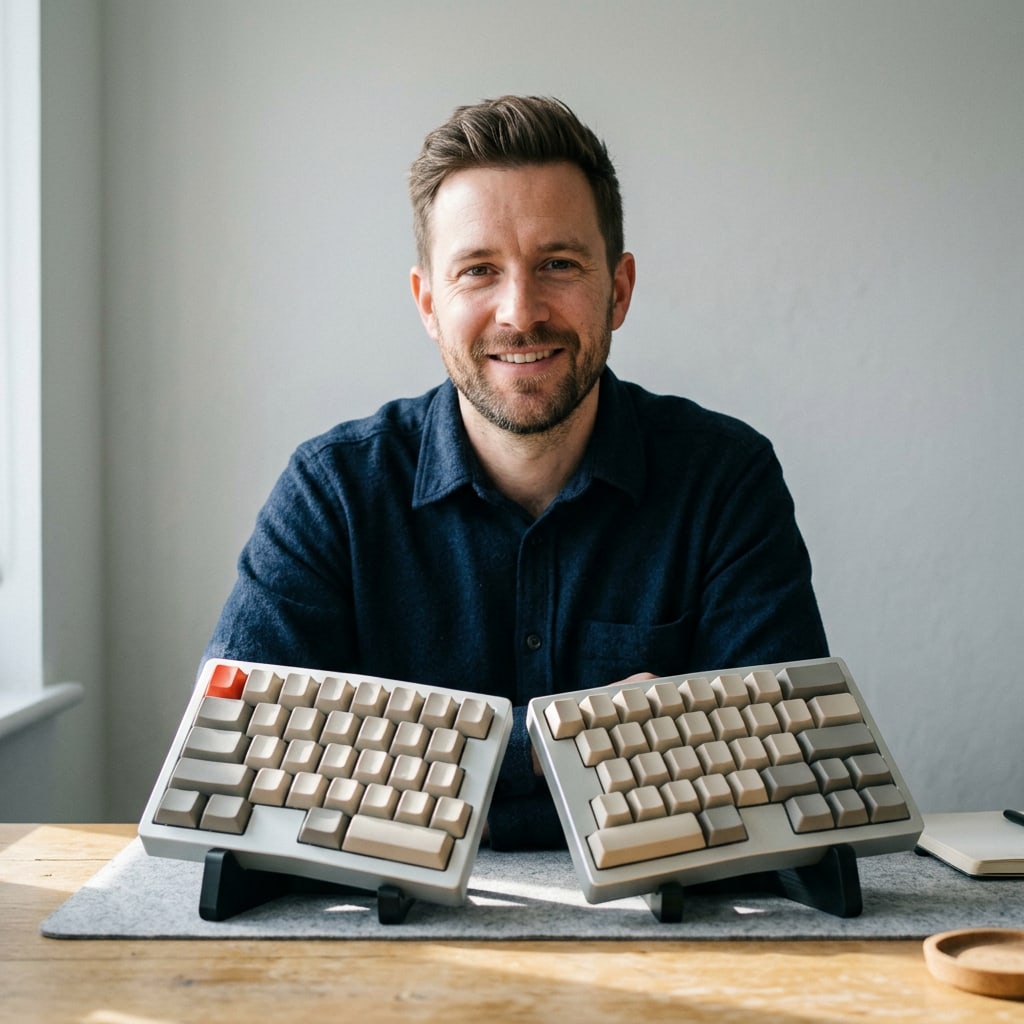
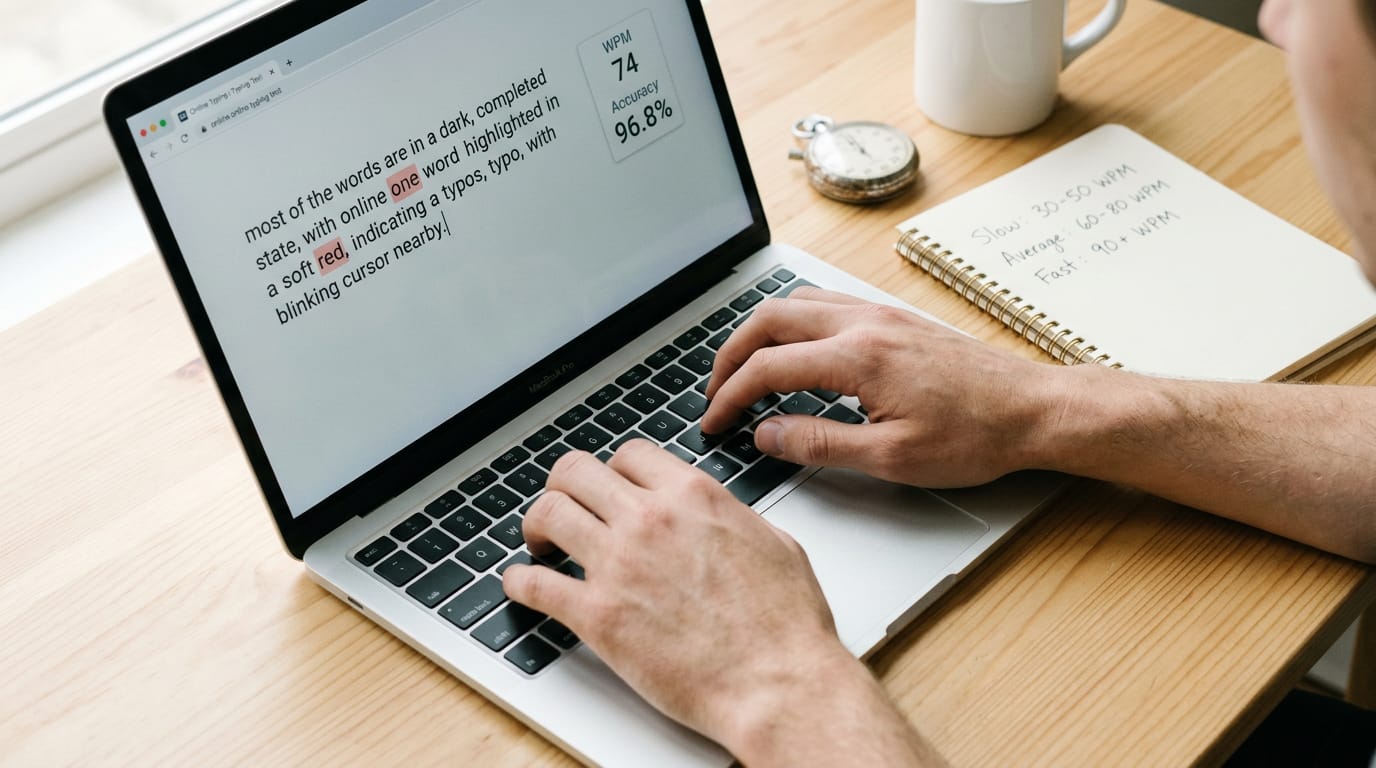
The short versionAverage typing speed is the number of words a person can type accurately in a minute, usually measured in words per minute (WPM). Most adults type about 40 to 60 WPM, but a useful score depends on the test, typing method, and accuracy; above 95% accuracy is a practical target. For everyday work, prioritize steady, accurate typing, then build speed with regular touch-typing practice and consistent tests.
Think about the last time you wrote a long email and felt your thoughts run ahead of your fingers. That gap is what typing speed is about. Typing speed is how many words you can type accurately in a minute.
For home office workers, your keyboard is often the main tool, so every extra second spent hunting for keys adds up.
In this post, we’ll cover how speed is measured, where typical speeds fall, how accuracy fits in, and how to test and improve yours at your own desk.
How Average Typing Speed Gets Measured
Every typing score comes from a formula, and the formula matters as much as the number.
What WPM and accuracy actually mean
Typing speed is usually reported as words per minute (WPM), or how many words you type in one minute. A “word” is a convention, though. Most tests divide your total characters, spaces included, by five.
Accuracy is the share of characters you typed correctly, shown as a percentage. It’s less about how fast you hit keys and more about how many of them landed right.
Two versions of WPM show up often. Gross WPM counts everything you typed, mistakes included. Net WPM subtracts the errors, so it reflects only the text you got right.
What changes your typing test results
Several things move your score even when your skill hasn’t changed:
- Text difficulty and language. Common words in plain sentences are easier than passages full of symbols, numbers, or unfamiliar names. Switching languages can drag your score down too.
- Test length. A one-minute sprint can swing on a few lucky streaks, while a longer test gives a steadier picture.
- Practice and usage frequency. Someone who types all day builds habits an occasional typist hasn’t had a chance to form.
Put those together and two people with identical skill can land on different numbers. Same skill, different score.
Take a support agent who tests on her kitchen-table laptop, then retakes the same passage at her desk with an external keyboard. The scores don’t match, and she can’t tell which to trust.
Once she repeats both on identical text and keyboard, the comparison finally means something.
Where the Average Typing Speed Falls
Speed numbers only mean something next to the crowd. Here’s where you stand.
Where most adults land
Most adults land around 40 to 41 words per minute (WPM), and the typical range runs from 40 to 60.
According to Norb Winslow, as cited in a touch-typing study, adults classed as beginners average 30 WPM, while regular keyboard users (intermediates) average 40.
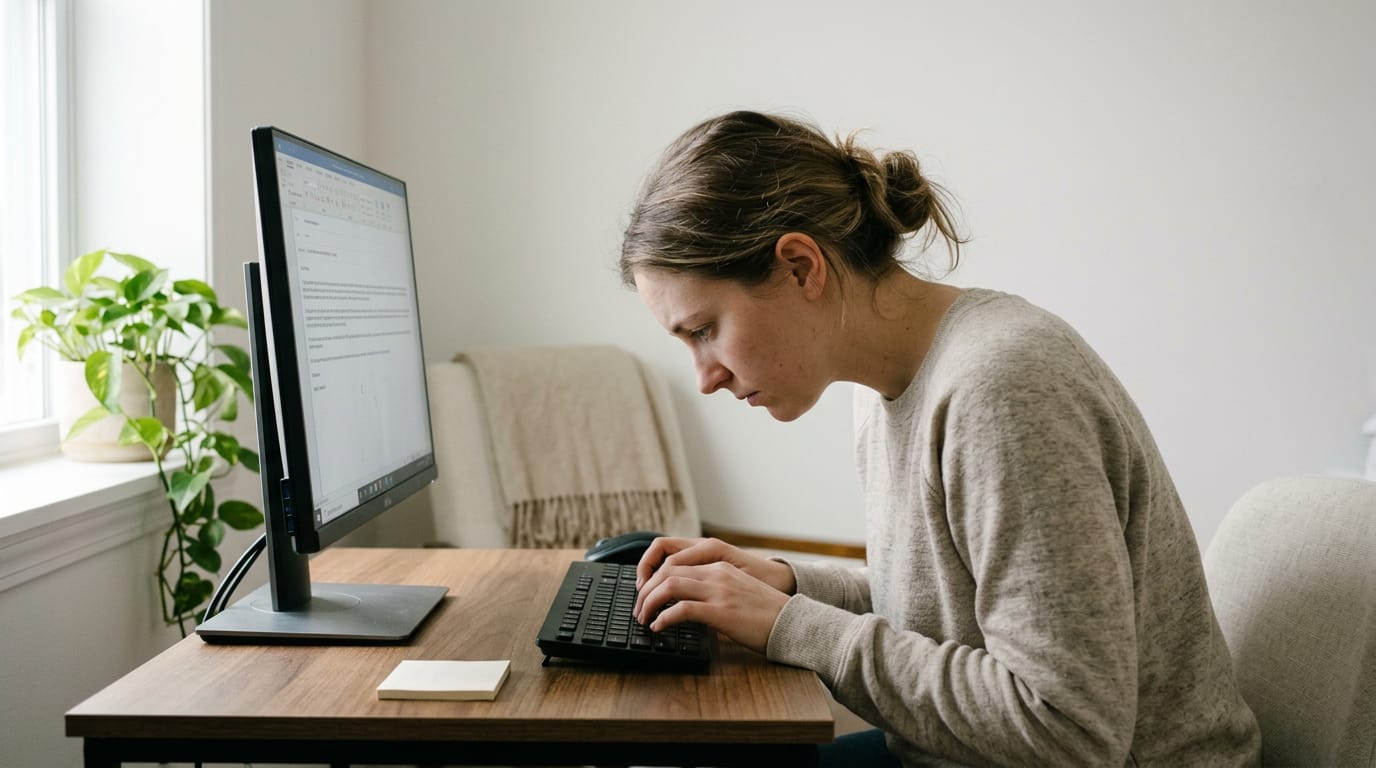
Speed depends on how you type more than how hard you try. Touch typists use all ten fingers and rarely look at the keys, while hunt-and-peck typists use one or two fingers and keep glancing down.
How fast beginners and casual typists go
Beginners usually land between 20 and 35 WPM, and hunt-and-peck typists sit at the slower end of that band. Learning touch typing is the main way out, since your fingers learn the keys and your eyes stay on the screen.
Is 30 WPM a good typing speed? Yes. It matches Winslow’s beginner average, which is enough for email and short notes, but it’s not yet a sign of fluent touch typing.
Is 27 WPM a good typing speed? It’s a respectable start, just under that 30 WPM average. Consider a support agent at a spare-bedroom desk who types 27 WPM and hunts for each key.
Every reply runs long, and a few minutes of daily touch-typing practice is the simplest way to win that time back.
What above-average and pro speeds look like
Above average starts around 56 to 60 WPM, where you clearly outpace the typical adult. Professionals commonly fall between 60 and 90 WPM, and 100+ WPM is expert territory.
Is 500 WPM possible? Not as a goal you can plan around. It sits far above the expert band, so treat it as a curiosity rather than a target.
Is your WPM good enough?
Here’s a quick check:
- 40 WPM: Average for an adult, and enough for most everyday typing.
- 60 WPM: Above average and a solid professional speed.
- 80 WPM: Fast, and well into professional territory.
- 100 WPM: Expert level.
Good speed for most office work sits at 60 to 80 WPM. Quick-reference ranges: beginner 20 to 35, average 40 to 60, professional 60 to 90, expert 100+.
Is 80 WPM fast? Yes, it puts you ahead of most adults, but speed means little without accuracy behind it. A fast but error-heavy 80 can eat up the time you saved. Speed is only half the story.
Balancing Accuracy Against Raw Speed
Speed gets all the attention, but accuracy decides whether that speed actually helps you. Here’s where most typists land, and why getting it right matters more than the number on your screen.
How accurate typists usually are
Accuracy is simply the share of your keystrokes that come out right. Most typists hover around 92%, which sounds fine until you count the misses in a long report. A more useful goal is to exceed 95%.
A study of eyes-free text entry on touchscreen mobile devices recorded an overall accuracy of 95.7%, a solid benchmark to aim for.
Here’s how the numbers break down:
- Typical: around 92%
- Good target: above 95%
- Data entry: 98% or higher, since one wrong digit can throw off a whole spreadsheet
Why getting it right beats going fast
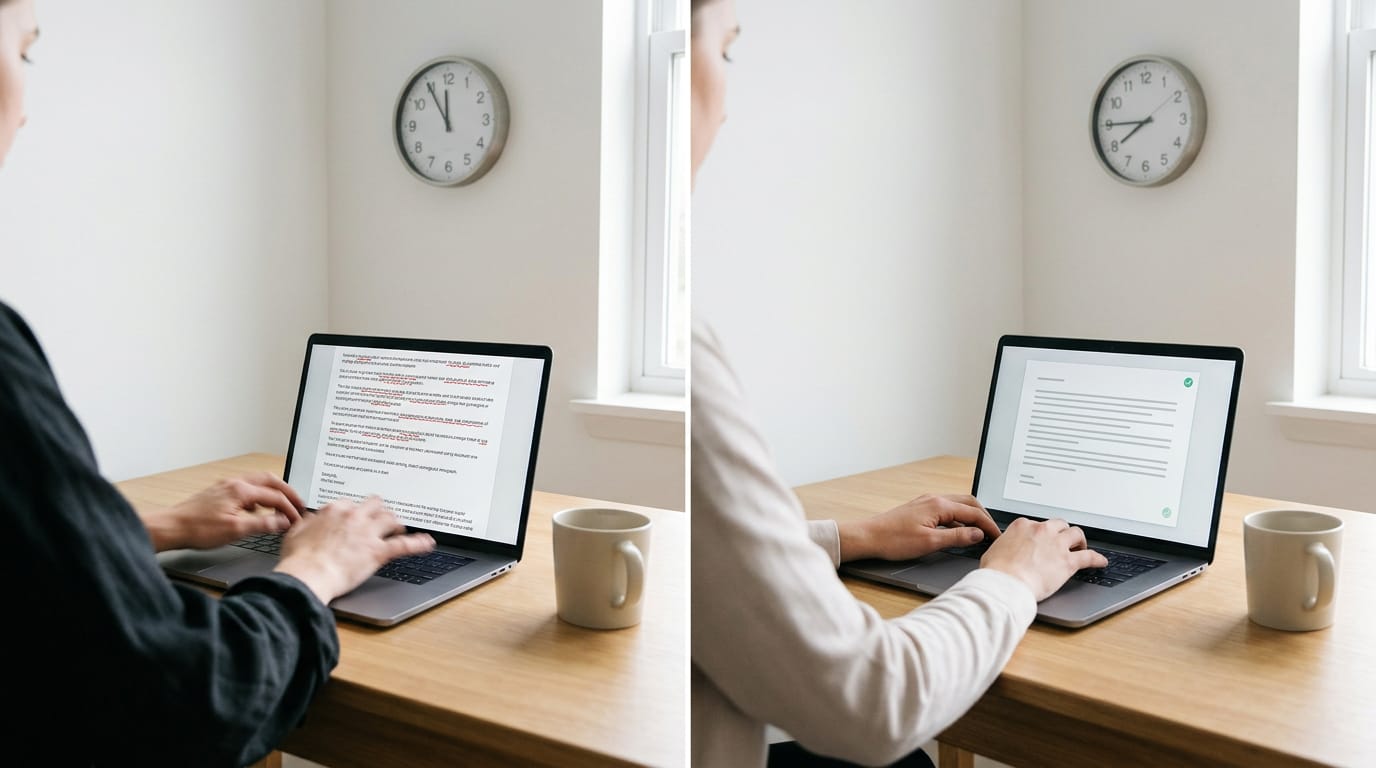
Consider a support agent working from a spare bedroom who types quickly but misses a word here and there. Every miss means a backspace, a second look, and a retype before the reply can go out.
That agent may look fast on paper, yet still finish each ticket later than a colleague who types a little slower and gets it right the first time.
Three points stand out:
- High speed, low accuracy: fast bursts of wrong characters are undesirable, because you end up typing the same words twice.
- Error correction costs time: every backspace and retype eats into the speed you were chasing.
- Accuracy first, speed follows: once your hits land consistently, your pace climbs on its own.
The goal isn’t to type as fast as possible. It’s to type correctly at a pace you can hold all day. Clean keystrokes are the fastest ones you’ll type.
Ways to Build Your Typing Speed
Speed comes from habit more than talent, so the routine you set up at your desk matters as much as any single trick.
Practice habits that build speed
Start with consistent daily practice. Your fingers learn the keys through repetition, and one long weekend session is easy to lose. Aim for 15-30 minute sessions: long enough to focus, short enough that you don’t dread them.
Take a support agent who works from a spare bedroom. They open a typing lesson for 20 minutes before the first ticket of the day, then get to work. A few weeks in, replies go out faster and their eyes stay on the screen instead of the keys.
Speed arrives in small steps, so look for steady gains rather than overnight leaps. Some weeks will feel flat. Keep showing up.
Technique, drills, and checking progress
Touch typing means typing without looking at the keys, with each finger responsible for its own set. It feels slow at first, but everything else builds on it.
Your home-row position is the resting spot: left fingers on A, S, D, F and right fingers on J, K, L, and semicolon. Every reach starts and returns there.
Structured lessons and drills work best in sequence. A lesson program introduces keys in order, and targeted drills give extra practice to the letters you keep fumbling.
Once a week, take the same test at the same time on the same keyboard, and log your words per minute (WPM) and accuracy. A writer who tests every Friday morning can see the trend on paper instead of guessing whether they’ve improved.
Your setup matters too. A keyboard that feels right and a chair height that keeps your wrists relaxed make those 15-30 minutes easier to repeat.
Free Typing Tests and Tools to Try
Before you try to get faster, you need a starting number. You can get one in a few minutes, at your own desk, on the keyboard you already use.
Test your speed and track progress
Most free online typing tests work the same way. You type a short passage, a timer runs, and the test scores you when you finish.
The result usually shows two numbers: your words per minute (WPM), the standard measure of speed, and your accuracy, the percentage of characters you typed correctly.
Don’t skip that second number. A fast score with lots of errors doesn’t tell you much, because every backspace costs time. Accuracy counts.
Many tests also keep a history for you in a progress dashboard, a page that charts your past results. Look for the trend rather than a single good or bad day.
Consider an analyst who works from a spare bedroom and runs the same paragraph test every Friday on her laptop. After a month, she can see whether her new habits are working instead of guessing.
Some tests end with a certificate you can print or save, which is handy if an employer asks for proof. Paragraph tests give you a longer passage instead of a short burst, so they test your stamina as well as your speed.
Use both: a short test to check your pace, and a full paragraph to see how you hold up over time.
Speed Goals for Different Jobs and Needs
Your ideal typing speed depends on your day. A data entry clerk and a novelist need very different targets, so start with the work you do most.
What speed different jobs require
Speed is usually tracked in words per minute (WPM), and the right target depends on the job:
- Data entry: typically 60 to 80 WPM, since accuracy at volume is the whole job.
- Admin and office roles: a steady pace across email and documents matters more than bursts.
- Programmers and journalists: code is full of brackets and symbols, so accuracy counts as much as speed. Journalists type to keep pace with interviews.
- Customer service: replies need to be quick and clear, since typos in a customer’s inbox get noticed fast.
Is 40 WPM enough? For many everyday office tasks, it can be, especially if you’re accurate. Speed is only half the story: steady typing with few corrections often gets the job done as well as a faster, messier pace.
Remote work leans on typing even more, since chat and email replace the hallway conversation. Expectations vary by employer, so ask before you accept the role.
Goals for students and office workers
For students, aim for a pace where you capture key ideas rather than every word. A clean set of notes beats a transcript you’ll never reread.
For office and admin work, aim for a steady rhythm. Picture a remote support agent typing from a spare bedroom: if she answers tickets without hunting for keys, each one closes a little sooner. Those seconds add up.
Writing-heavy roles should aim for typing that keeps up with their thinking, so flow matters more than speed. Your fingers shouldn’t be the bottleneck.
How Typing Speed Varies Across Groups
Typing speed, measured in words per minute (WPM), varies with who’s doing the typing. Age and gender both show up in the averages, so it helps to know the typical range before you compare your own score.
Typing averages for men and women
Averages differ by gender:
- Women: about 37 WPM
- Men: about 44 WPM
That seven-WPM gap is a benchmark rather than a verdict, yet it still adds up. Consider a support agent working from a home desk who sends a 100-word reply to each ticket.
At 37 WPM, typing time alone is about 2 minutes and 42 seconds per reply; at 44 WPM, it’s about 2 minutes and 16 seconds. That’s roughly 25 seconds saved on every reply.
How typing speed changes with age
Here’s how the ranges stack up across age groups:
- Children: 15 to 25 WPM
- Teens: 30 to 45 WPM
- Adults: 40 to 60 WPM
- Seniors: 30 to 45 WPM
Adults have the widest band of the four groups. Age is only part of the story.
A commonly cited benchmark puts teens at about 30 to 45 WPM. A study of Japanese adolescent learners lines up closely with that, reporting medians of 29 WPM in Grade 7, 43 in Grade 8, and 53 in Grade 9.
The first two sit near the range, while Grade 9 climbs above it. Those figures come from one-minute personal-best practice on an English keyboard task, so they capture best efforts rather than everyday typing.
The study reports by school grade rather than exact age, so treat its numbers as a rough guide for 14-year-olds, not a precise average.
Typing speed isn’t a single number to chase. It’s a mix of pace, accuracy, and a setup that feels comfortable at your own desk. Test where you stand, then pick one habit to build.
Steady practice beats one big push, and the gains show up in every email and report you send. The fastest typists aren’t the ones who type the most words. They’re the ones whose words land right the first time.
References
- One-Minute Personal-Best Practice in a Digital EFL Platform: Upper-Range English Keyboard Transcription among Japanese Adolescent Learners — doi.org (2026)
- Pengembangan Gim Edukasi Mengetik menggunakan Metode Touch-Typing untuk Meningkatkan Kecepatan Mengetik — j-ptiik.ub.ac.id (2020)
- Eyes-free text entry with error correction on touchscreen mobile devices — dl.acm.org (2010)
Questions
Is typing 500 WPM possible?
No, 500 WPM is far beyond realistic typing speeds and is not a practical goal. Even expert typists generally type at 100 WPM or more, so 500 WPM is best treated as a curiosity.
Is 80 a fast typing speed?
Yes. An 80 WPM typing speed is fast, ahead of most adults and well within professional territory. Accuracy matters too, since frequent errors can erase the time saved by typing quickly.
Is 30 WPM a good typing speed?
Yes. 30 WPM matches the average for beginners and is enough for everyday tasks such as email and short notes. It is a starting point rather than fluent touch-typing speed.
Sources
- Pengembangan Gim Edukasi Mengetik menggunakan Metode Touch-Typing untuk Meningkatkan Kecepatan Mengetik, j-ptiik.ub.ac.id,
- Eyes-free text entry with error correction on touchscreen mobile devices, dl.acm.org,
- One-Minute Personal-Best Practice in a Digital EFL Platform: Upper-Range English Keyboard Transcription among Japanese Adolescent Learners, doi.org,
spaceShortcut Sheets: the twenty keys to learn first in each appFind your app