Insert Key on Keyboard: What It Does and Where to Find It
The Insert key on a keyboard switches between adding text and overwriting it. Find it on Windows or Mac, or use a shortcut when it’s missing.

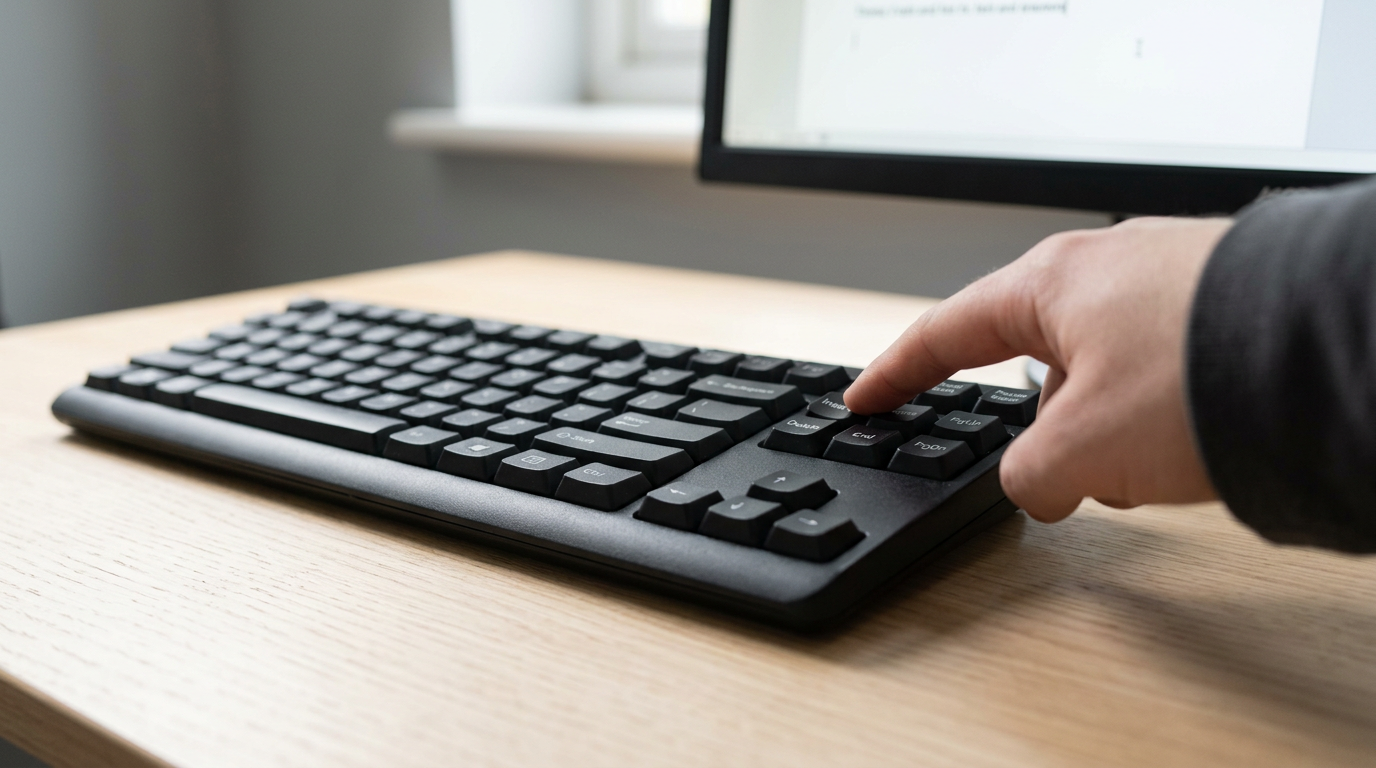
The short versionThe Insert key switches between adding text at the cursor and replacing the characters that follow it. If your keyboard lacks one, check for an Ins label on a function-key combination or use Numpad 0 with Num Lock off; keyboard software can also remap another key. Knowing these options lets you correct text without retyping or reaching for the mouse.
Think of your keyboard as a toolbox. Most of the tools you reach for sit right where your hand expects them, but every so often you need one that isn’t in the set. The Insert key is one of those tools, and it’s easy to overlook until you need it.
It switches between inserting new text and typing over what’s already there.
If you work on a laptop or a compact keyboard, you may not have one at all. Here, we’ll explain what the key does, where to find it on Windows and Mac, and the keyboard-first workarounds that keep your hands on the keys when it’s missing.
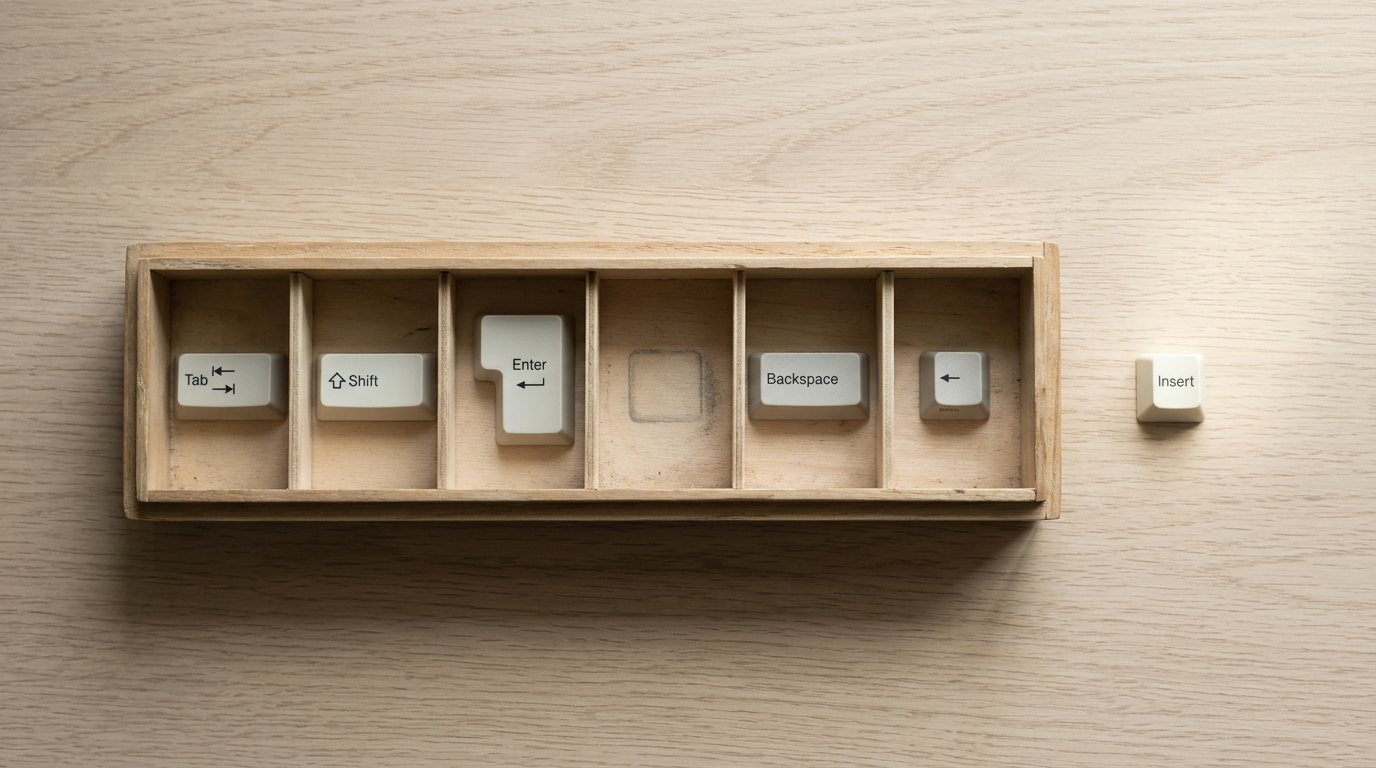
What If Your Keyboard Has No Insert Key?
If you don’t have an Insert key, you can still get its job done. The key toggles overtype mode, where each character you type replaces the one after your cursor. Mac keyboards don’t include it, and many laptops drop it too.
Why some keyboards have no Insert key
Compact and touchpad keyboards often leave it off. Consider a home office worker on a Dell USB/PS2 touchpad keyboard who needs to overtype a figure in a spreadsheet and finds no Insert key. The workarounds below let them fix it without retyping the row.
The same question appears in a SuperUser Q&A, where a reader asks for an alternative method.
Which is the Pause button on the keyboard? It’s the Pause/Break key in the top row, beside Print Screen, and it rarely matters for everyday typing.
Without Insert, you’ll also miss Ctrl+Insert (copy) and Shift+Insert (paste) on Windows, but Ctrl+C and Ctrl+V do the same jobs. Keyboard software can also remap a reachable key to act as Insert.

Press numpad 0 to act as Insert
If your keyboard has a number pad, check the 0 key. Many label it both 0 and Ins, and it acts as Insert when Num Lock is off. With Num Lock on, it just types a zero.
Some laptops reach Insert through a Fn (function) key combination, so look for an Ins label.
Tap Shift to flip Num Lock briefly
Num Lock can stay on, too. Tapping Shift briefly flips it, the same way Shift works for capitals, so Shift + Numpad 0 acts as Insert. It’s a handy fallback when you’re entering numbers. Your hands stay put.
The Insert key has one simple job: toggling between inserting and overwriting text. Whether your keyboard includes one or not, that job still needs doing, and you can handle it without reaching for the mouse.
Find the option that fits your board, practice it for a few days, and it’ll start to feel like second nature. Hands stay on the keys, even when the key you expected isn’t there.

Questions
What is Ctrl+Shift+K?
Ctrl+Shift+K is a keyboard shortcut whose action depends on the program and operating system. In Firefox, it opens the Web Console.
What is a symbol for control?
The Control key is commonly shown as **Ctrl** or with the symbol **⌃**. The symbol’s appearance can vary by keyboard or operating system.
What is the control key in a keyboard?
The Control key, labeled **Ctrl**, is a modifier key. You hold it while pressing another key to use shortcuts such as Ctrl+C to copy.
How to enter special characters using keyboard?
Use the keyboard layout’s key combinations, such as **Shift** plus a number or punctuation key, to type many special characters. On Windows, you can also use Alt codes with the numeric keypad or open the character map; on Mac, use Character Viewer or Option-key combinations.
How to install enter key on keyboard?
If the Enter key’s cap has come off, turn the keyboard off or unplug it, then check that the hinge or stabilizer is intact before fitting a compatible replacement keycap. If the switch is damaged, the keyboard may need repair or replacement; laptop keys often require model-specific parts.
What if I don't have an insert key?
Use **Ctrl+C** to copy and **Ctrl+V** to paste instead of Ctrl+Insert and Shift+Insert. If you need Insert’s overtype function, try **Fn** plus a key labeled Ins, or use **Numpad 0** with Num Lock off.
When I push the (@) button, I get a symbol.?
If pressing the key combination you expect for **@** produces another symbol, your keyboard layout may not match the layout selected in your operating system. For example, @ is usually **Shift+2** on a US layout and **Shift+'** on a UK layout.
What does Ctrl look like?
The Ctrl key is usually labeled “Ctrl” and is found near the lower-left corner of a keyboard. Many keyboards also have a second Ctrl key near the lower-right corner.
spaceShortcut Sheets: the twenty keys to learn first in each appFind your app